GIMP 2.10 is so good that I urge anyone still using the older versions to update.
And if you’re using GIMP (or Krita), then you absolutely must get G’MIC. Anyone manipulating images should have these tools available.
Fun with G’MIC filters in GIMP:

Free and open source software for the planetarium dome and other immersive environments.
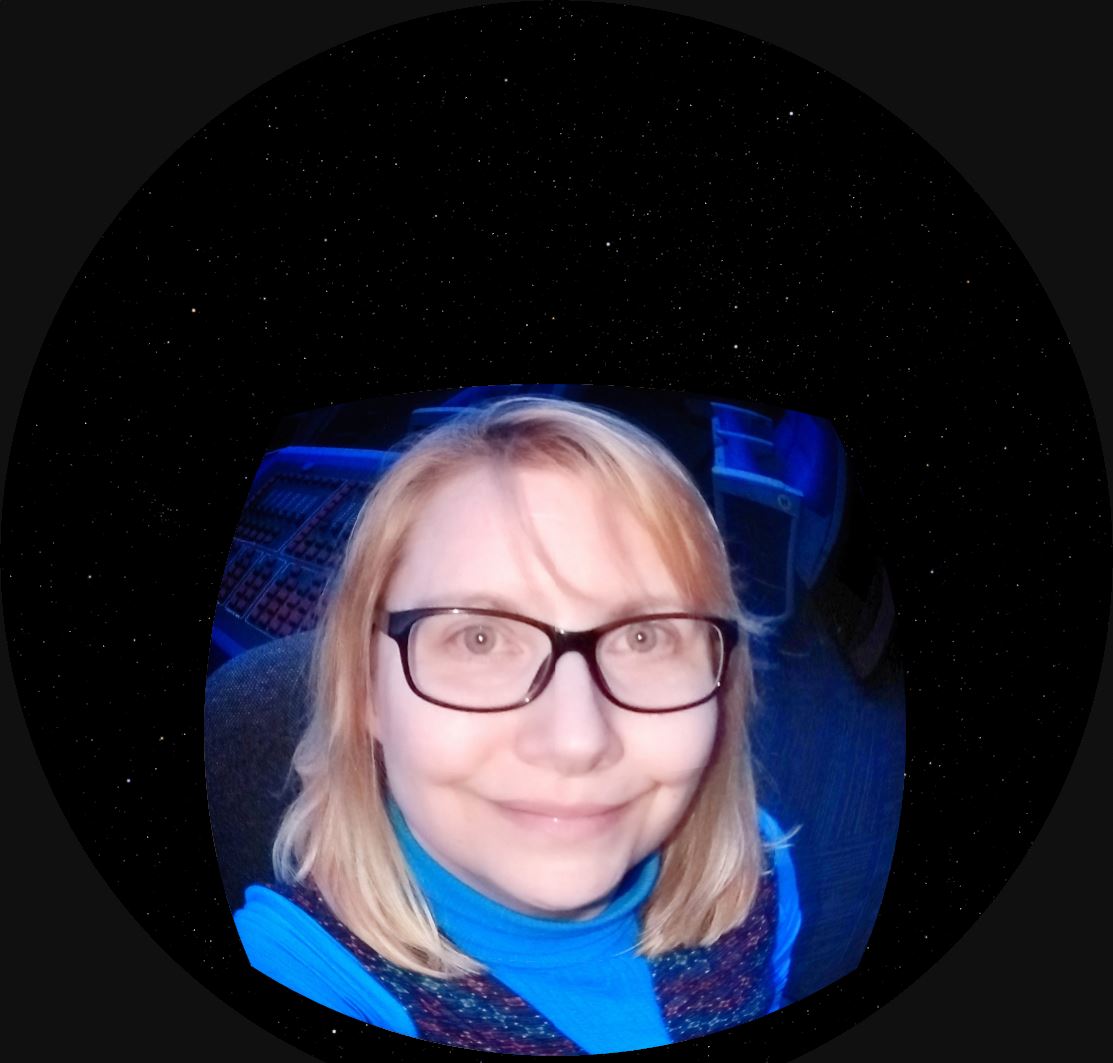
A very cool effect in our digital planetarium is to take slices of an image and use them to seemingly build or break apart the image.
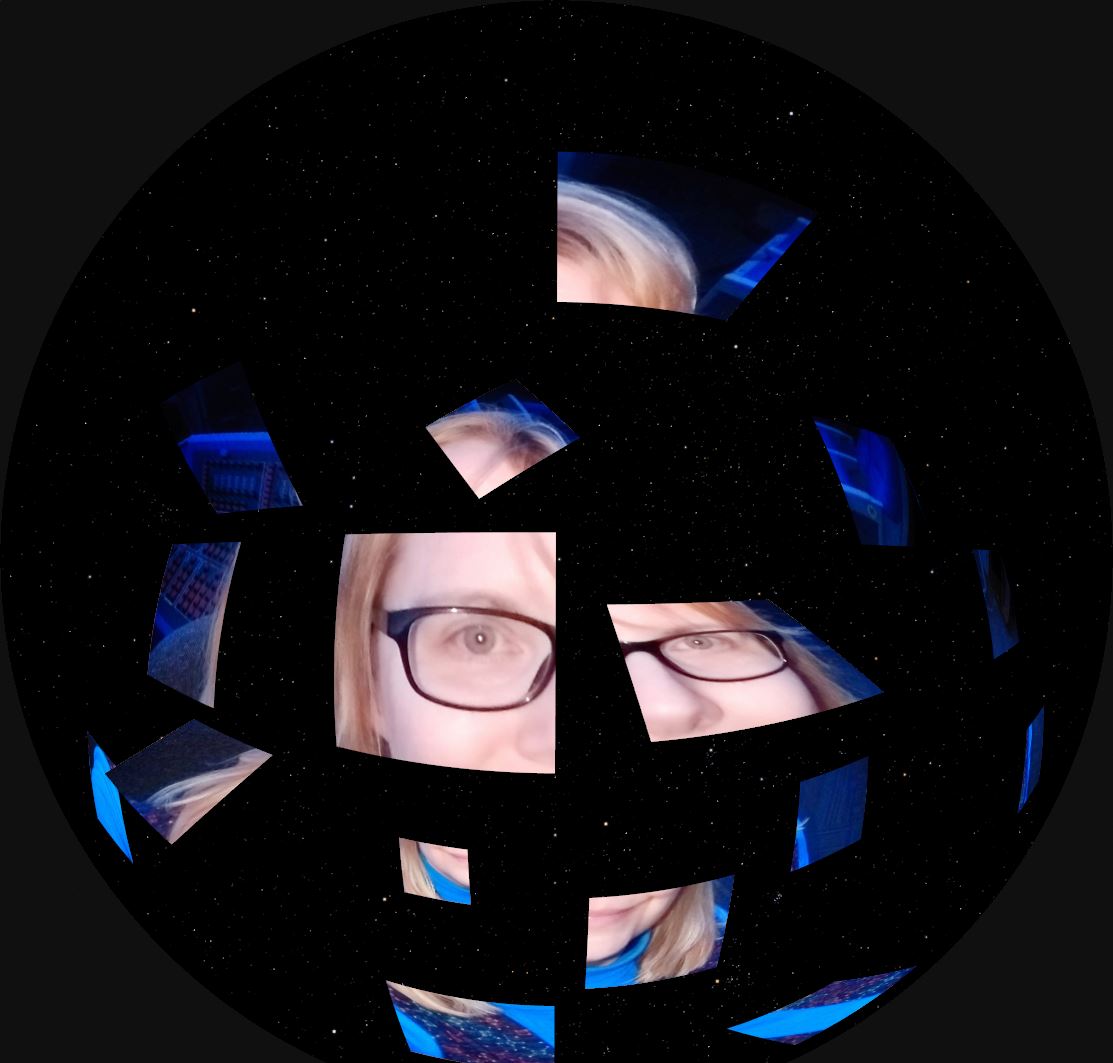
In our Digistar system, I create an empty object to be the parent of all of the needed image planes and position the image planes accordingly.
By keeping the image slices organized in folders, the separate image planes can be assigned slidesets to advance or reverse through a set of images.
To make the image slices, I use GIMP.

There are lots of ways to place guides for cutting. I’m accustomed to a script that lets me put the guide positions in by percentage. I don’t speak German, but the script maker does. 
I check the boxes to indicate that I’m setting the guides by percentage, then I enter percentages and select horizontal or vertical.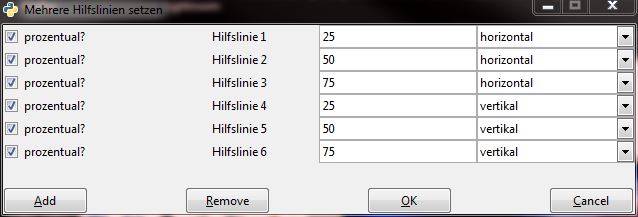
My guides are in place.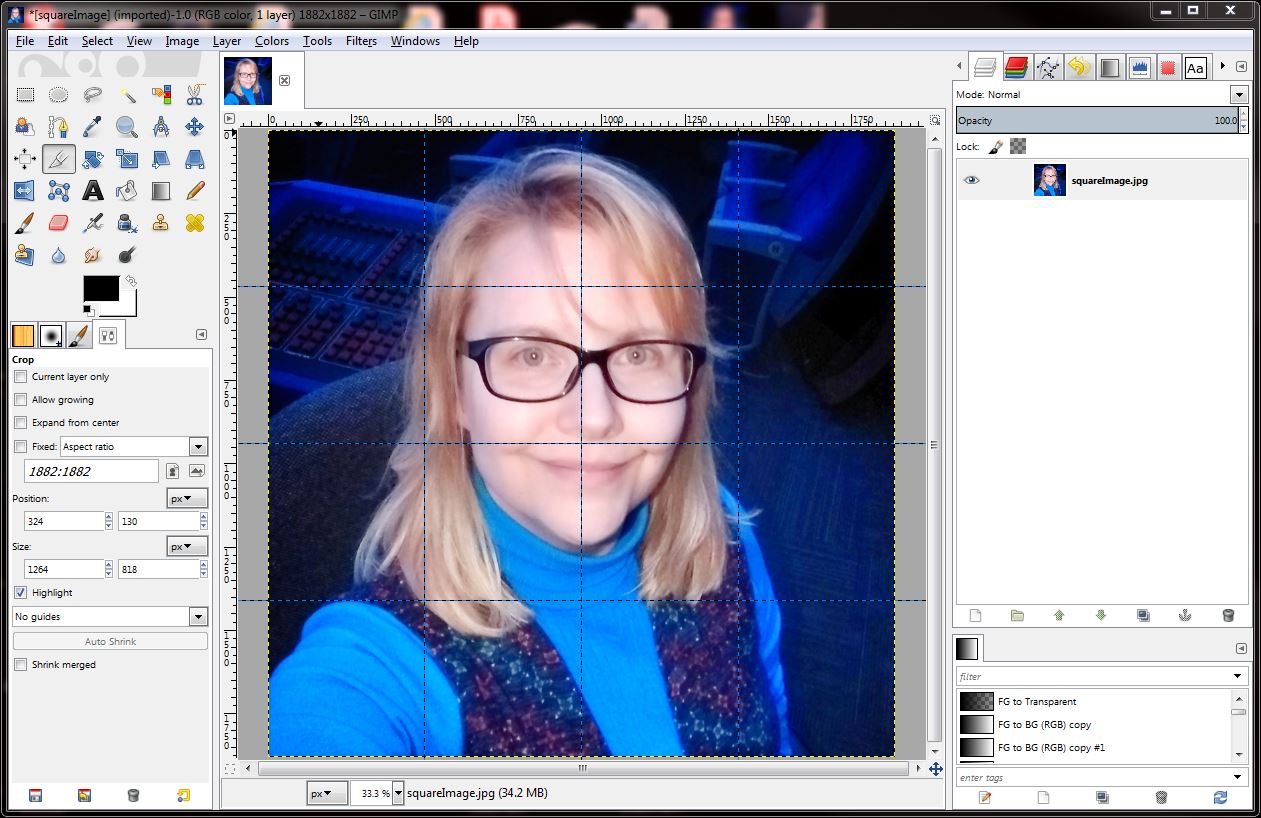
Select Filters > Web > Slice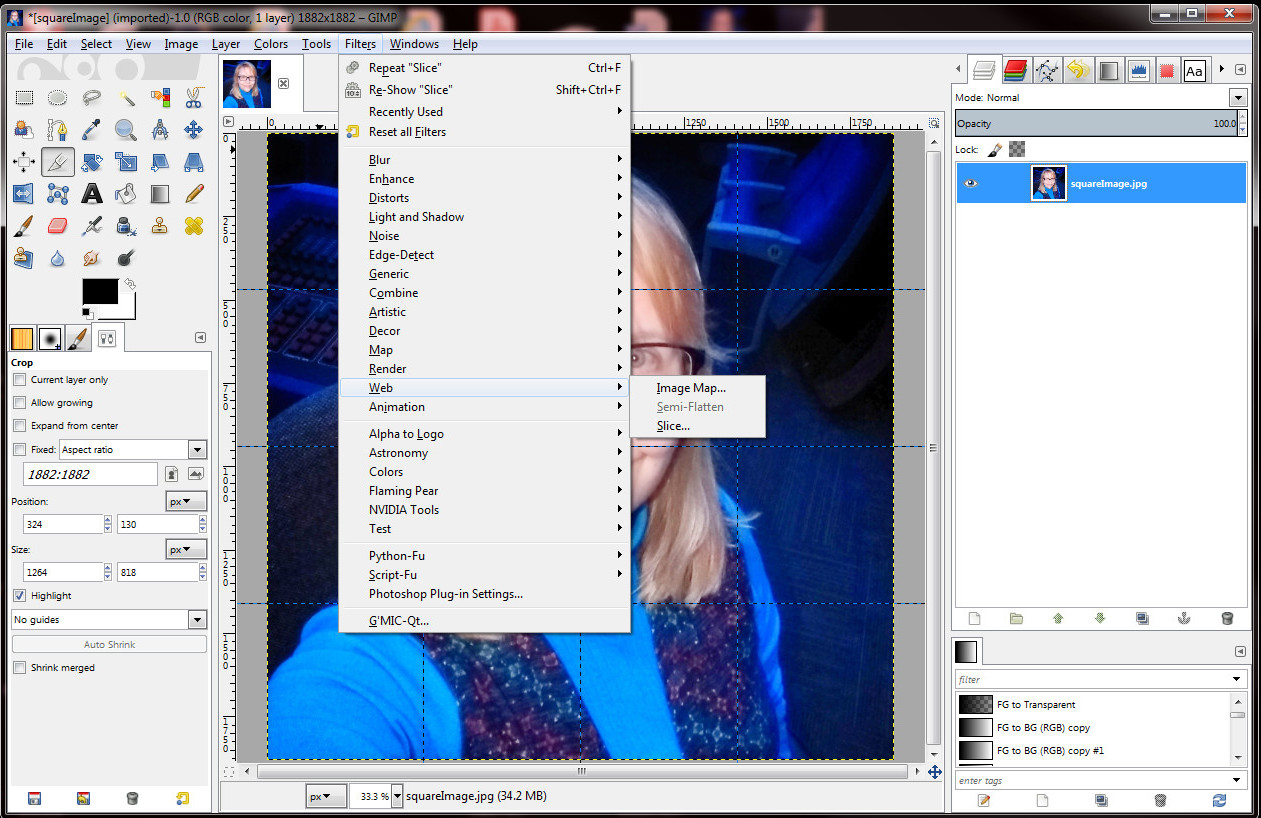
Because the slice tool is meant for web work, an html file is created. I just delete that later.
And then I have a folder full of sliced image pieces!
This was another great memory.
I had lots of wonderful help running the workshop, and I was very proud of the result. The materials include several examples of methods for creating fulldome content with Blender 2.79.
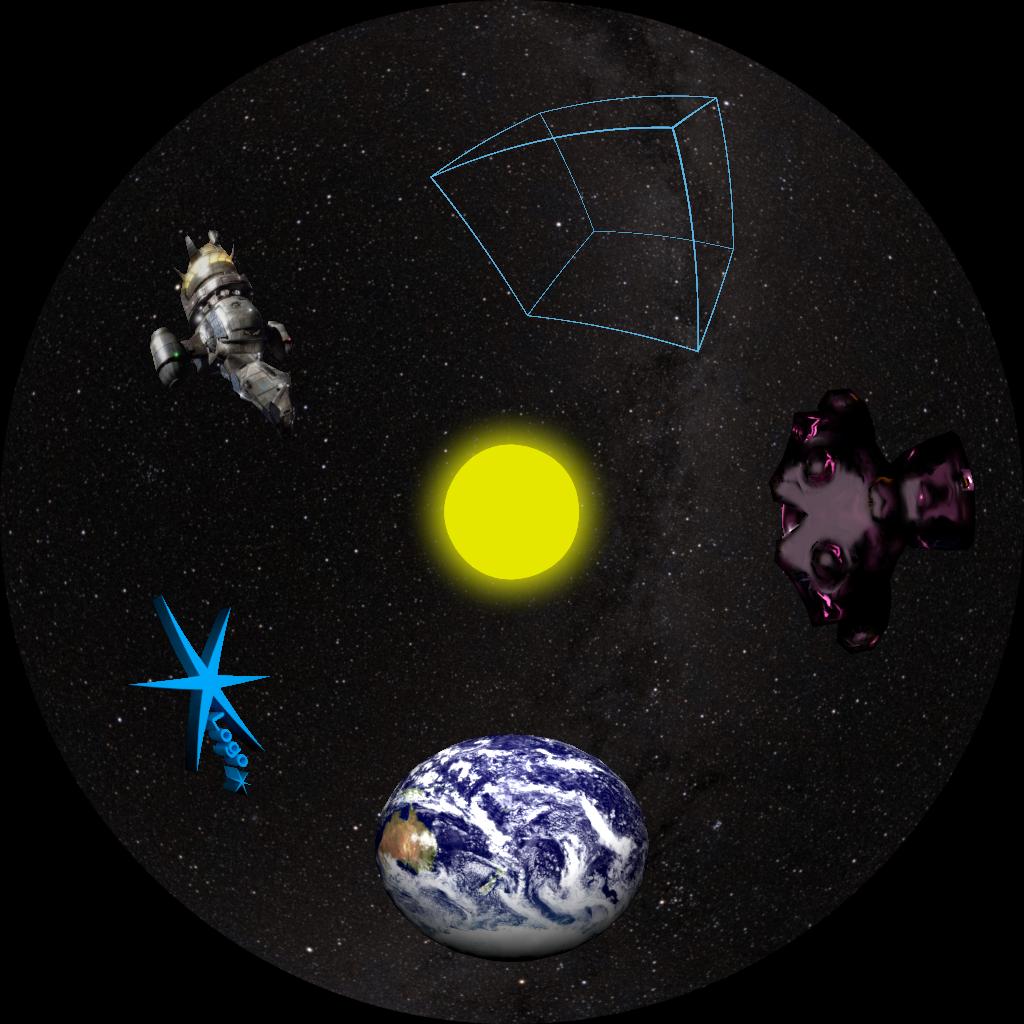
The materials are currently on my GitHub account – click “Clone or Download” to download the whole thing as a zip file.
2017 Blender Workshop Materials
I hope to remake the materials with Blender 2.80. Mostly the same, but the interface and shortcuts have changed. The new features are still evolving and could merit a new chapter.
I’m keeping the Blender 2.79 materials around, though. Folks with older computers might not be able to run Blender 2.80.