The Ron and Way Show

Part of my return to sharing FOSS-y goodness online is thanks to my good friend Ron Proctor.

Ron invited me to hang out and make some YouTube videos and I’ve been having a great time. Here is our latest:

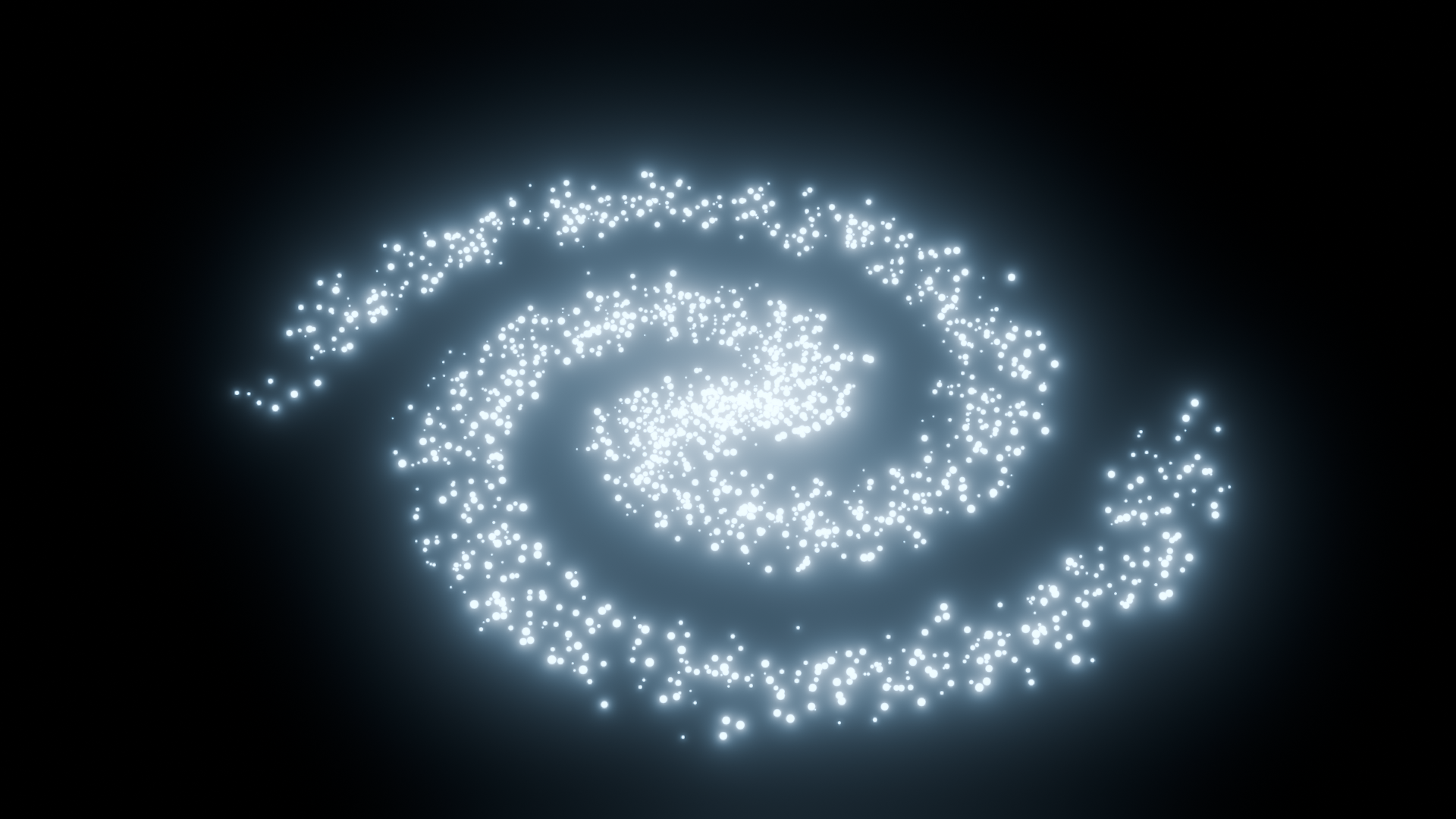
The UV dome is in my previous post here on FOSSdome, and here is the cute little galaxy I just made with Ron’s script and node setup:

swirly blue dots

Published
Categorized as news

A Very Fishy UV Map

Generating a hemisphere model in Blender with properly spaced UVs for fisheye dome masters.

UVs are texture coordinates. An image plane 3D model would be measured in X and Y coordinates. The image texture applied to that model would be measures in U and V coordinates.

I frequently need to apply fisheye images to a virtual dome within Blender. Sometimes I’m prototyping, sometimes I’m building a scene with a dome in it, sometimes I’m splitting the dome into parts for special effects in the planetarium.

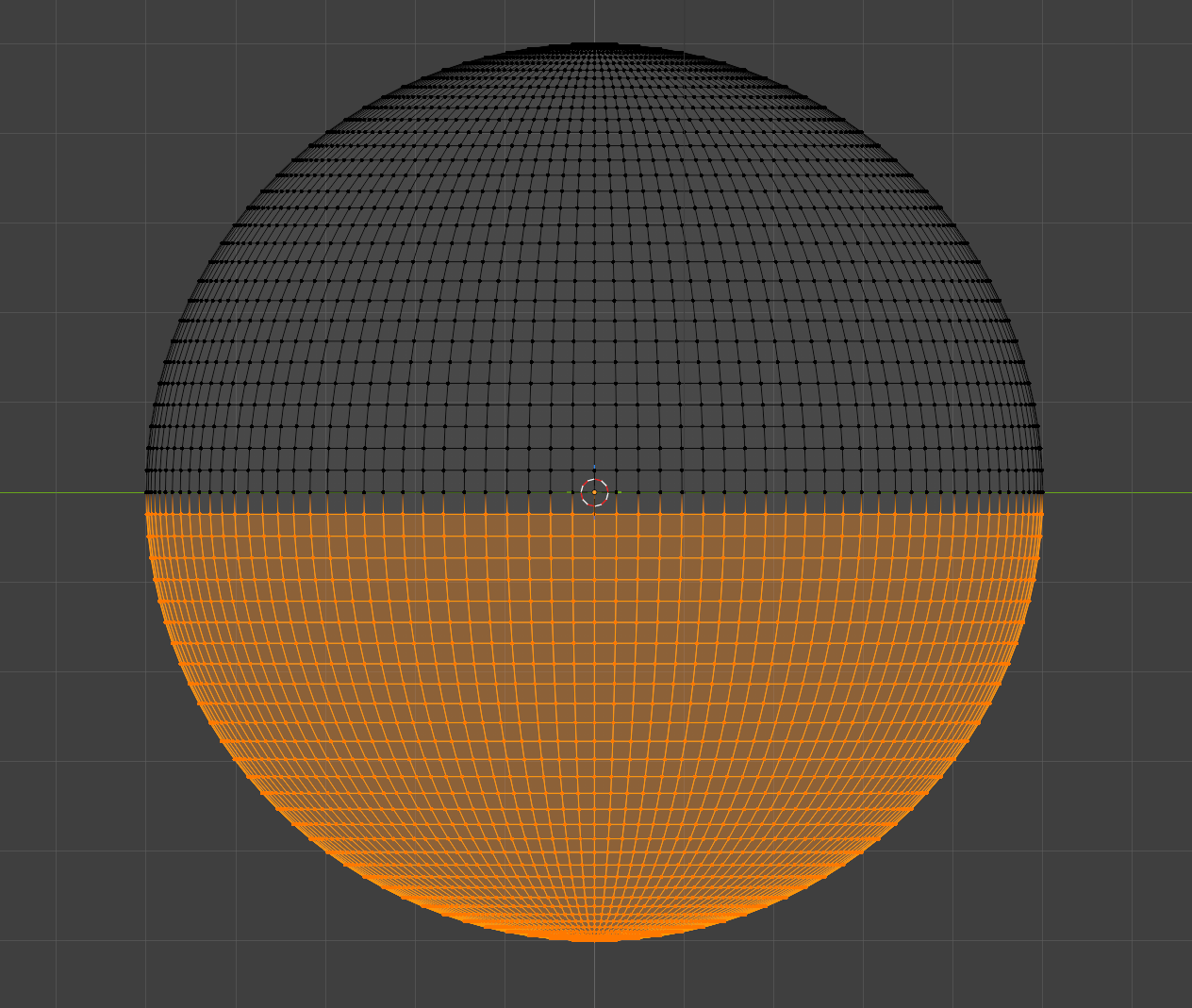
The quickest way has always been to create a UV Sphere and delete the bottom half.
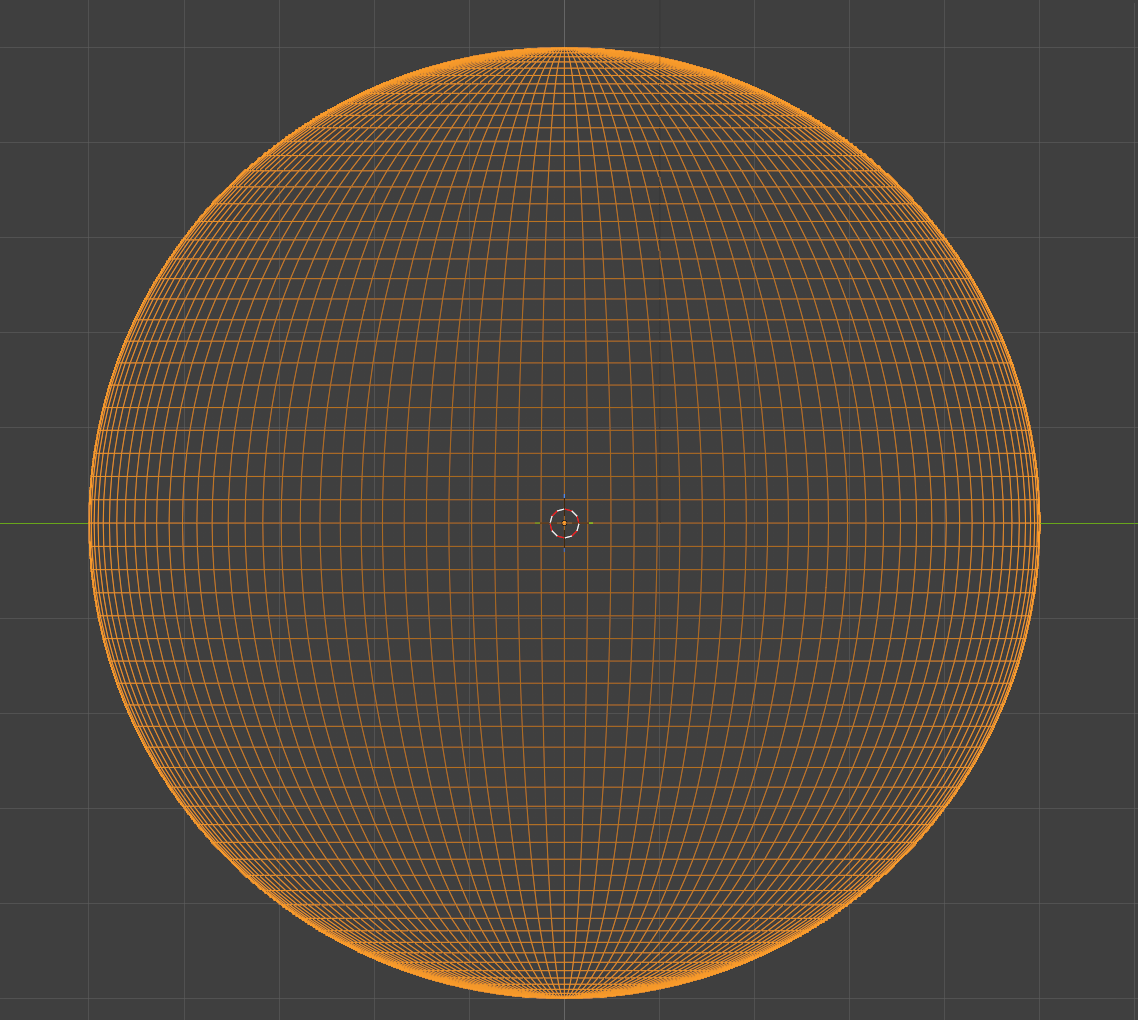
Orange wireframe sphere wireframe sphere, bottom half orange

This results in a nice looking hemisphere, but we can’t apply a fisheye, since the UV map is half of what was created for the full sphere..
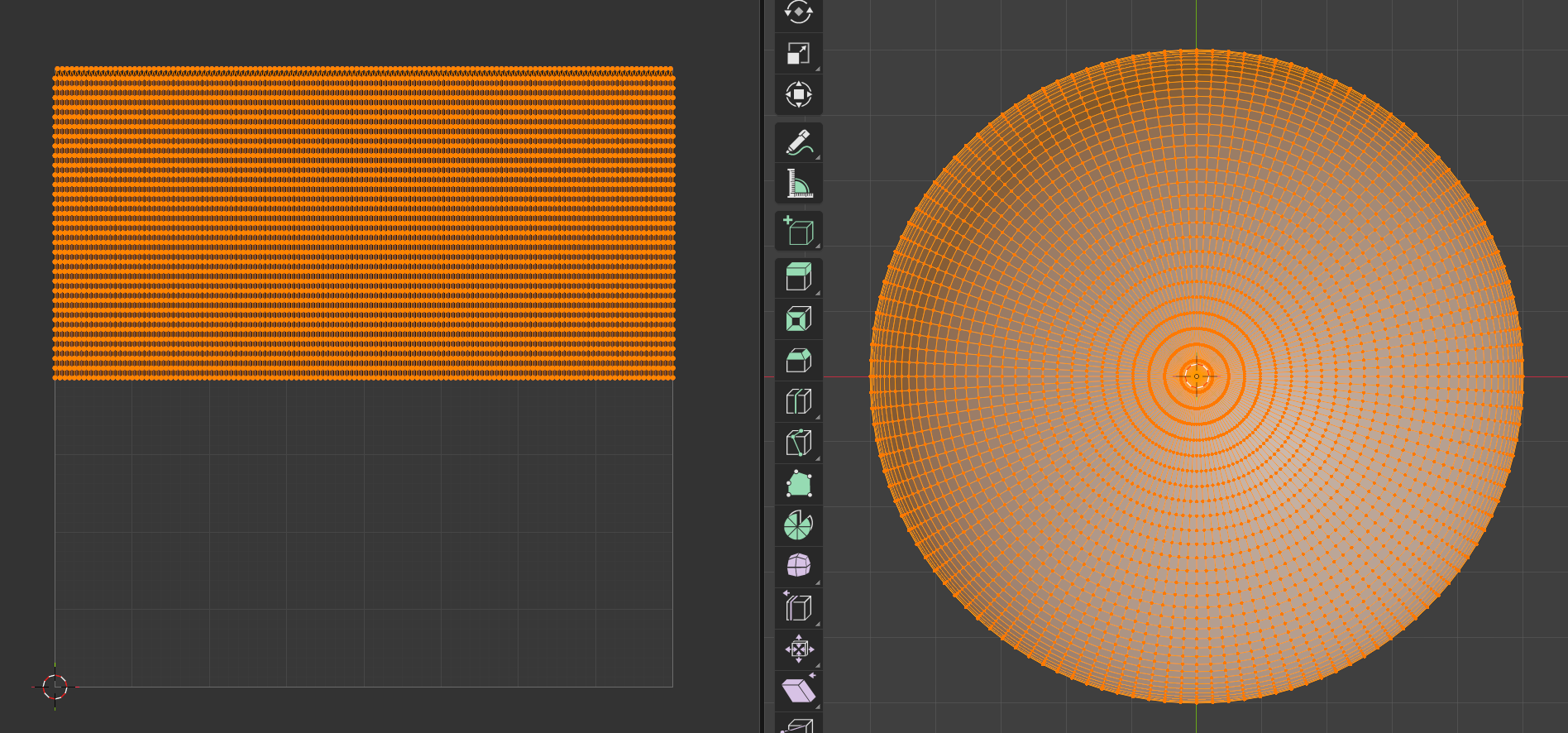
wireframe rectangle on left, wireframe hemisphere on right

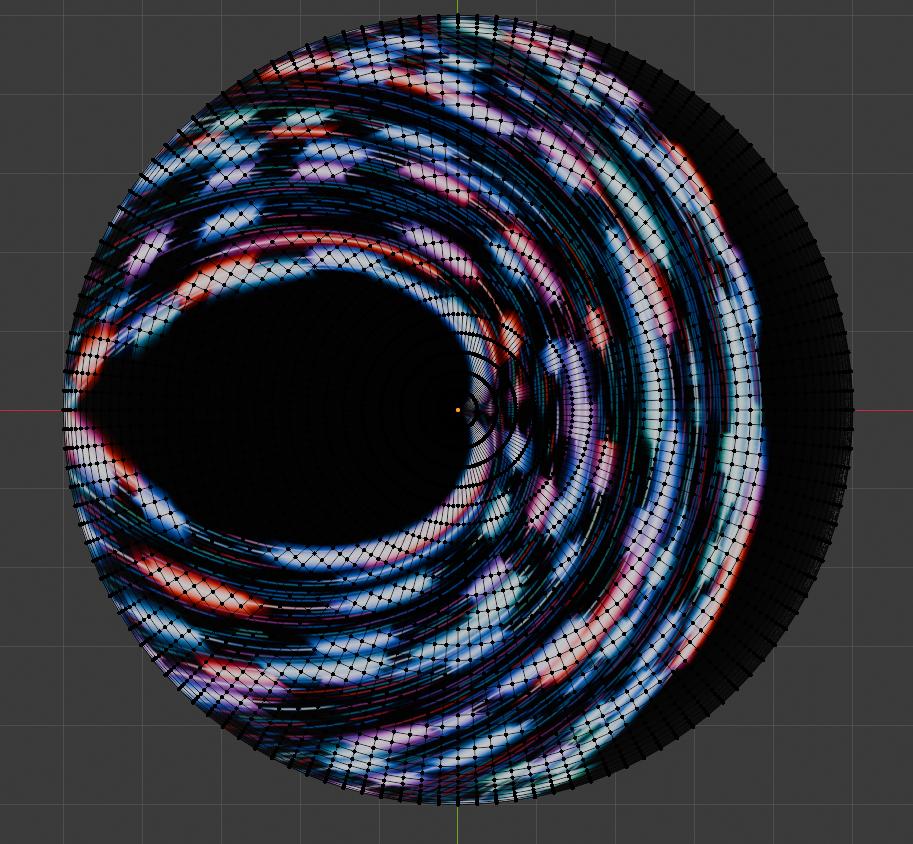
Applying an image to the map yields a fun result, but not what we want..
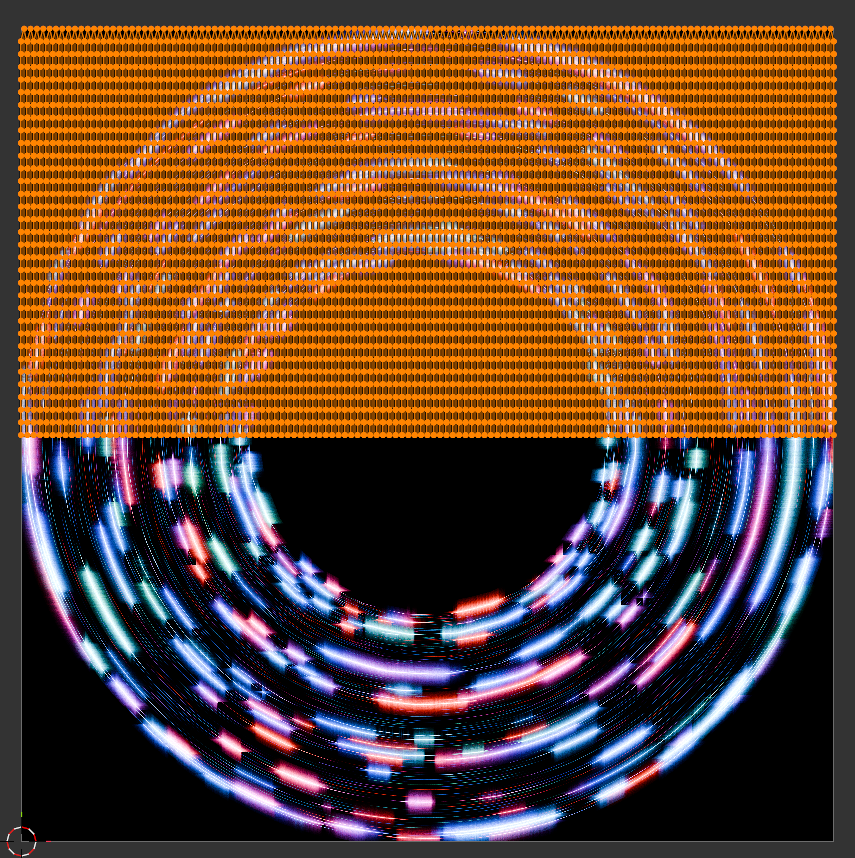
Abstract image within a circle

Of course, a new UV map is required:

By unwrapping the hemisphere model, we can create a closer UV map..
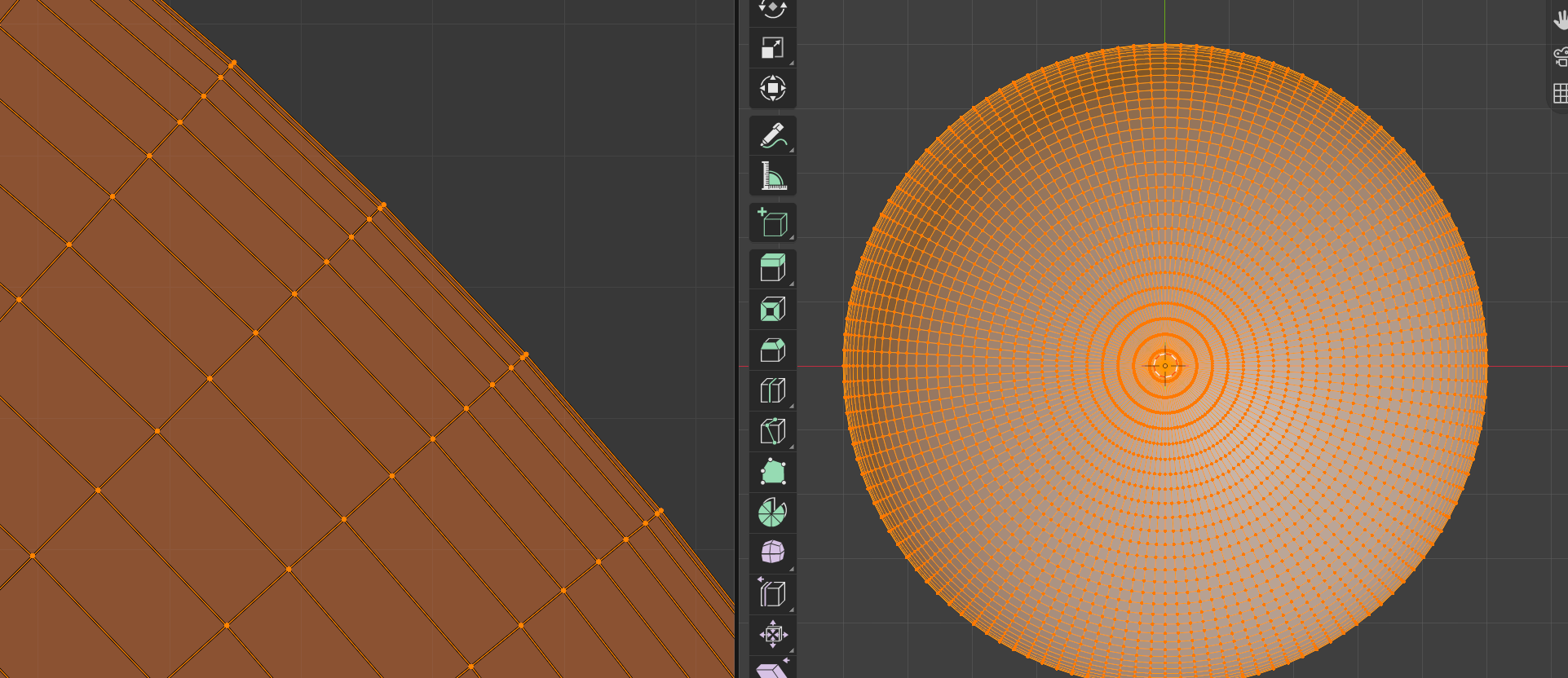
But the rings toward the edges get closer together, and this causes distortion at the edges of the hemisphere..
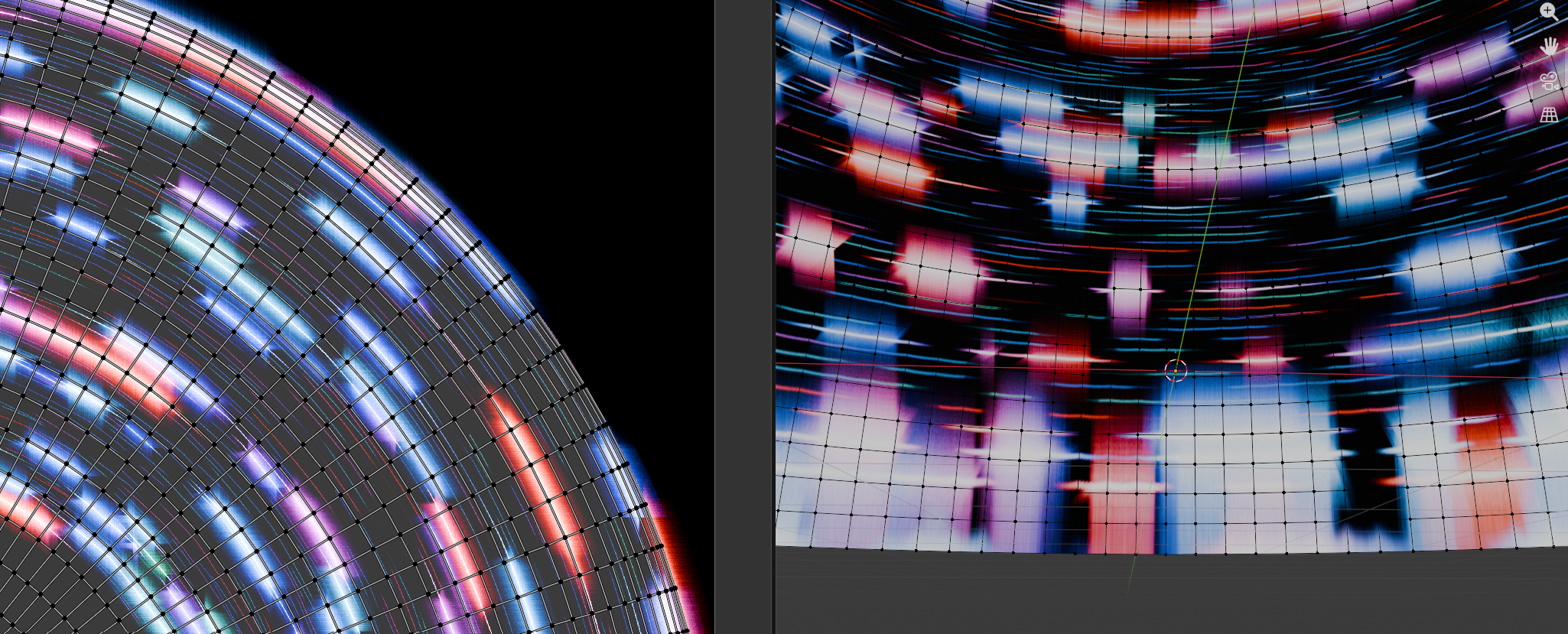
After giving up on getting Gemini to help me extract a proper map from a UV hemisphere, I asked Gemini to write me a python script with 3 parts:

  1. Create a flat circle with equally spaced rings
  2. Unwrap the model to get a lovely UV map
  3. Reposition the vertices of the circle to form the hemisphere.

It worked! And just look at the spacing on this lovely UV map…
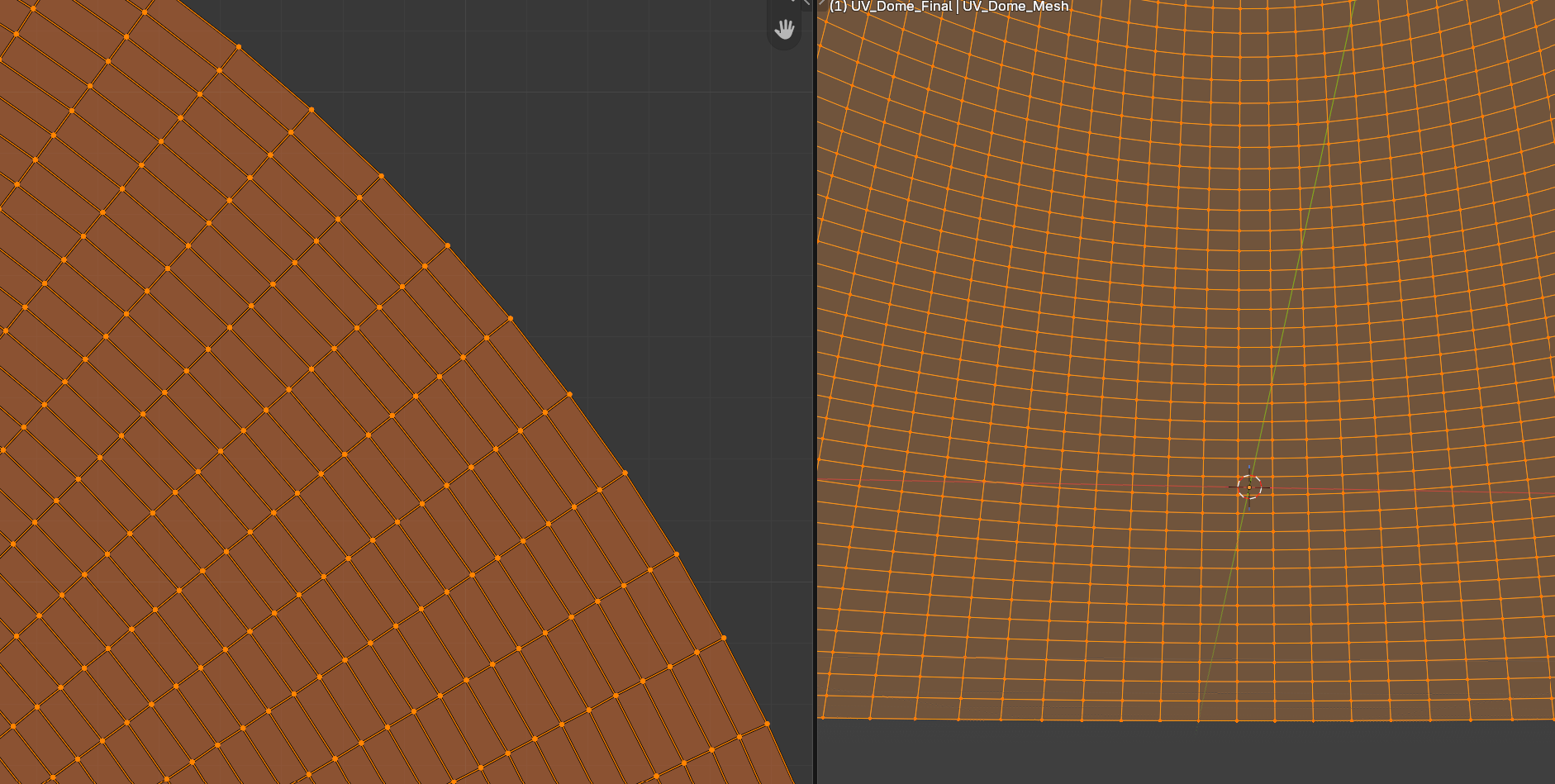
And the same image texture applied.. just look at those edges, they are true!
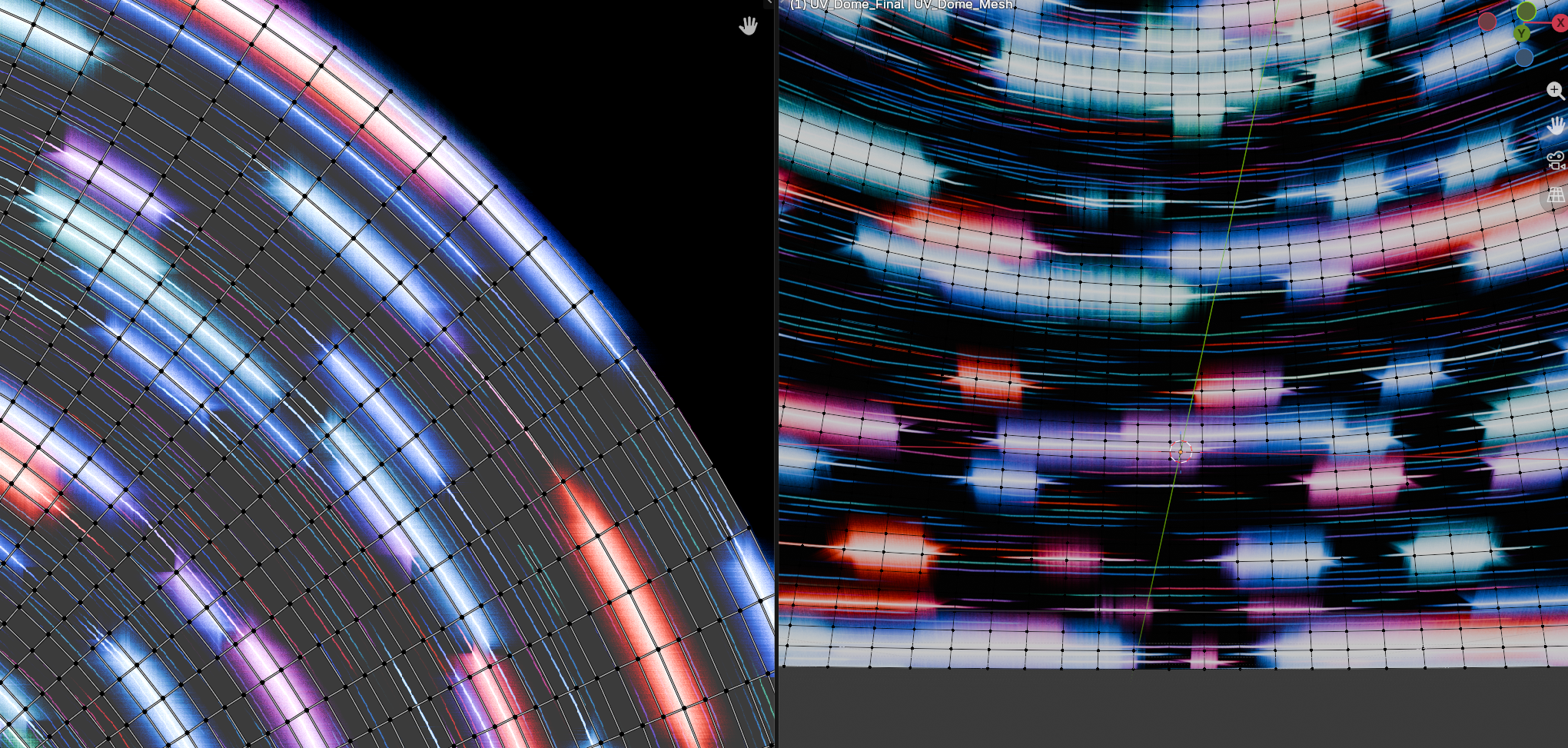
The script can be downloaded here: UV_Dome_Generator_for_Good_UVmap.py

For the script, example blend file, an exported fbx model, and summaries of the method and the several wrong turns it took before I thought to make a circle first, go to https://github.com/waystar/Blender-UV-dome-generator.
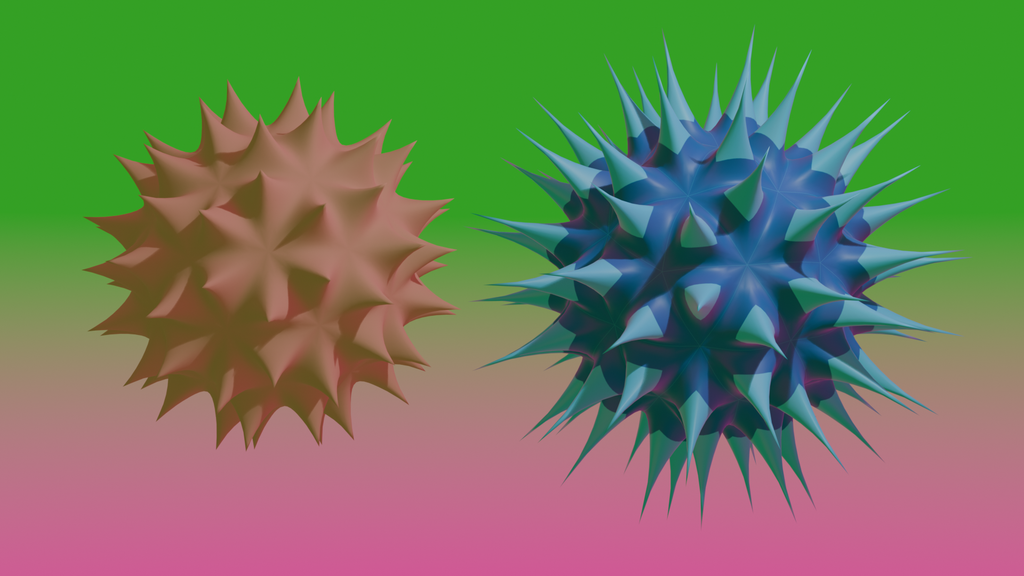
It has been a minute

I’m still around, and hope to start posting new content and samples of things I’ve been up over the past 5 years.

Published
Categorized as news

JunoCam Citizen Science

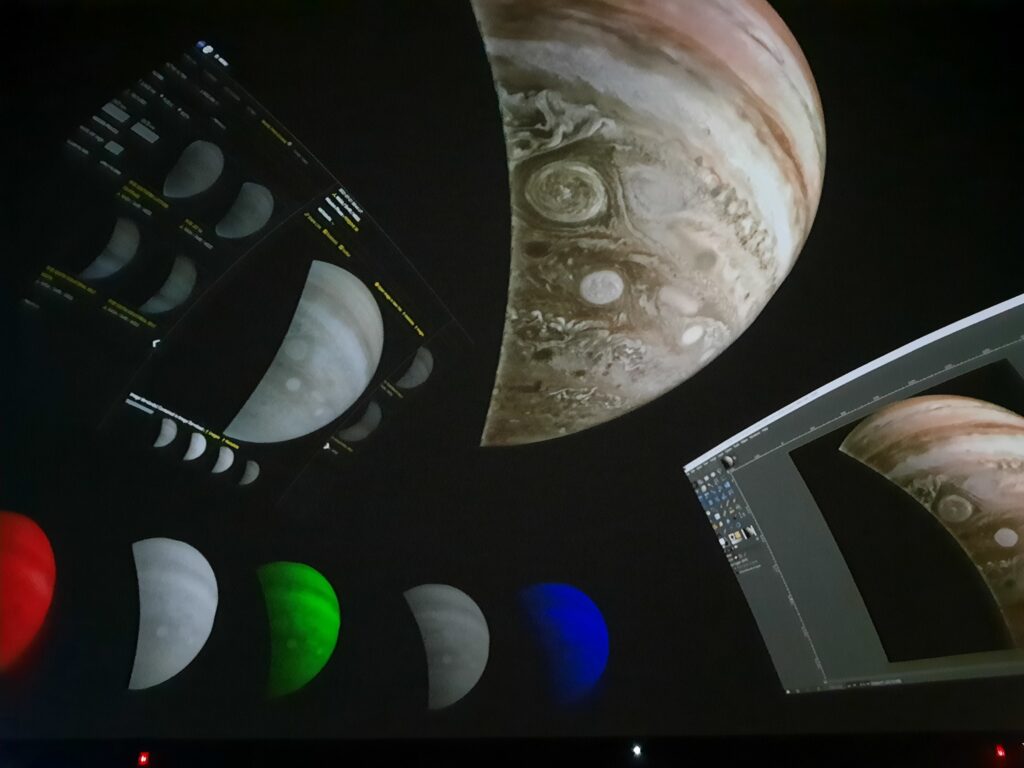
My first attempt at Citizen Science on display in the dome!

A few weeks ago, I watched this video, produced by the Griffith Observatory a year ago:

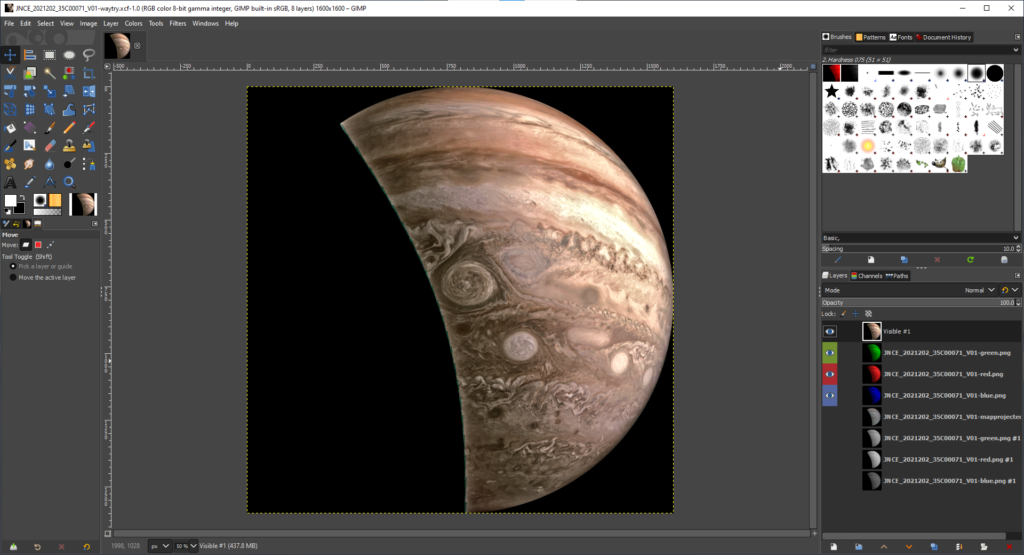
As in the demonstration video I watched, I used Gimp. Of course I could have used Krita, but Gimp is my go-to since I’m so familiar with it.

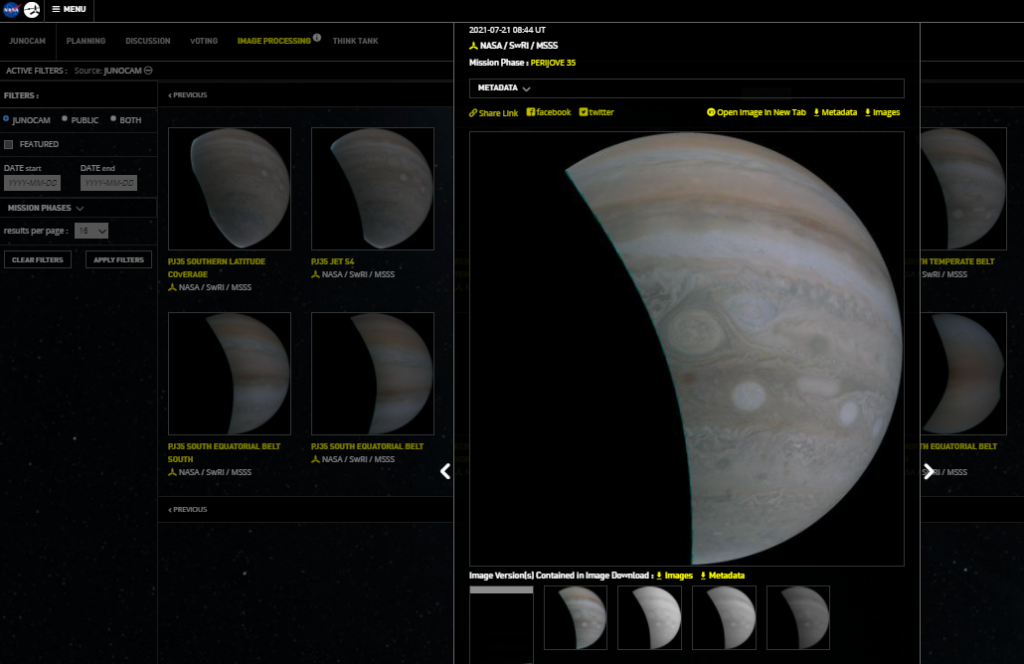
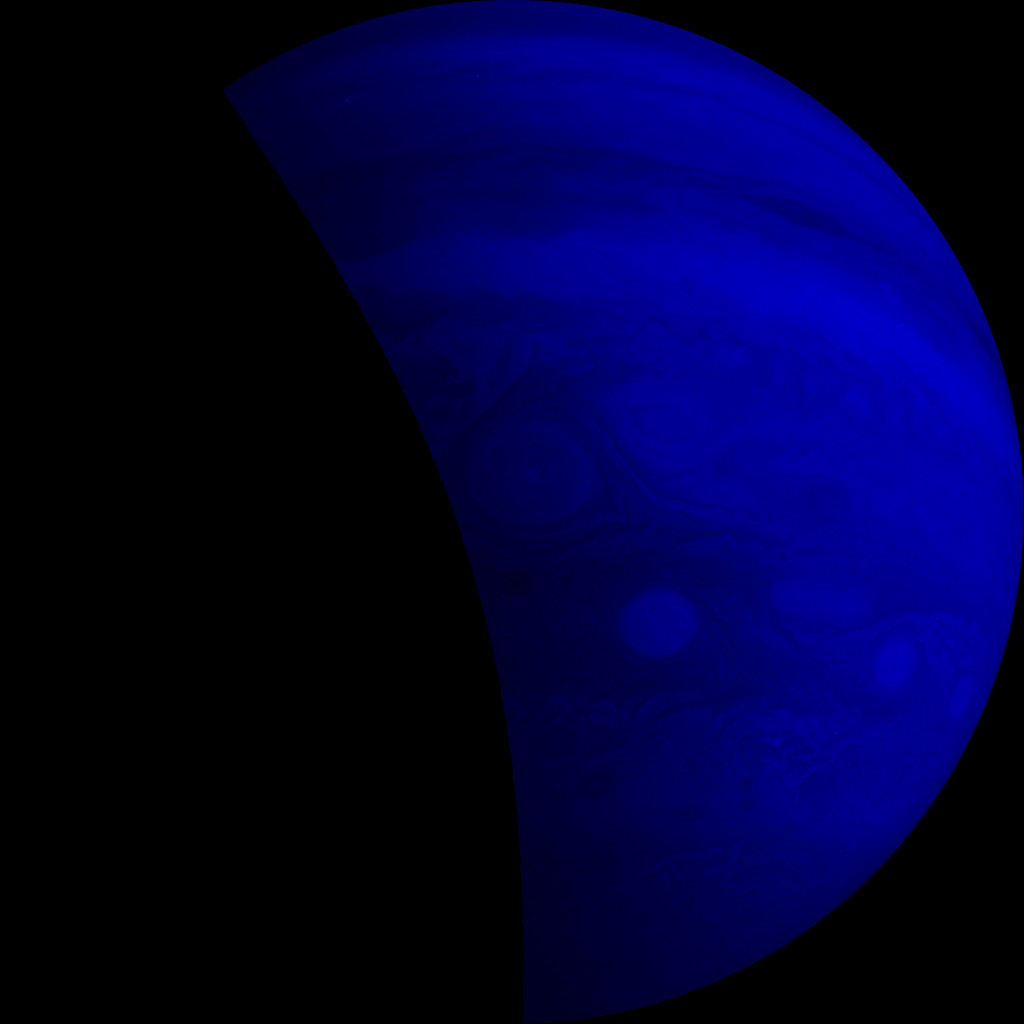
First I downloaded set of images from 2021-07-21 Perijove 35:

https://www.missionjuno.swri.edu/junocam/processing?id=11074

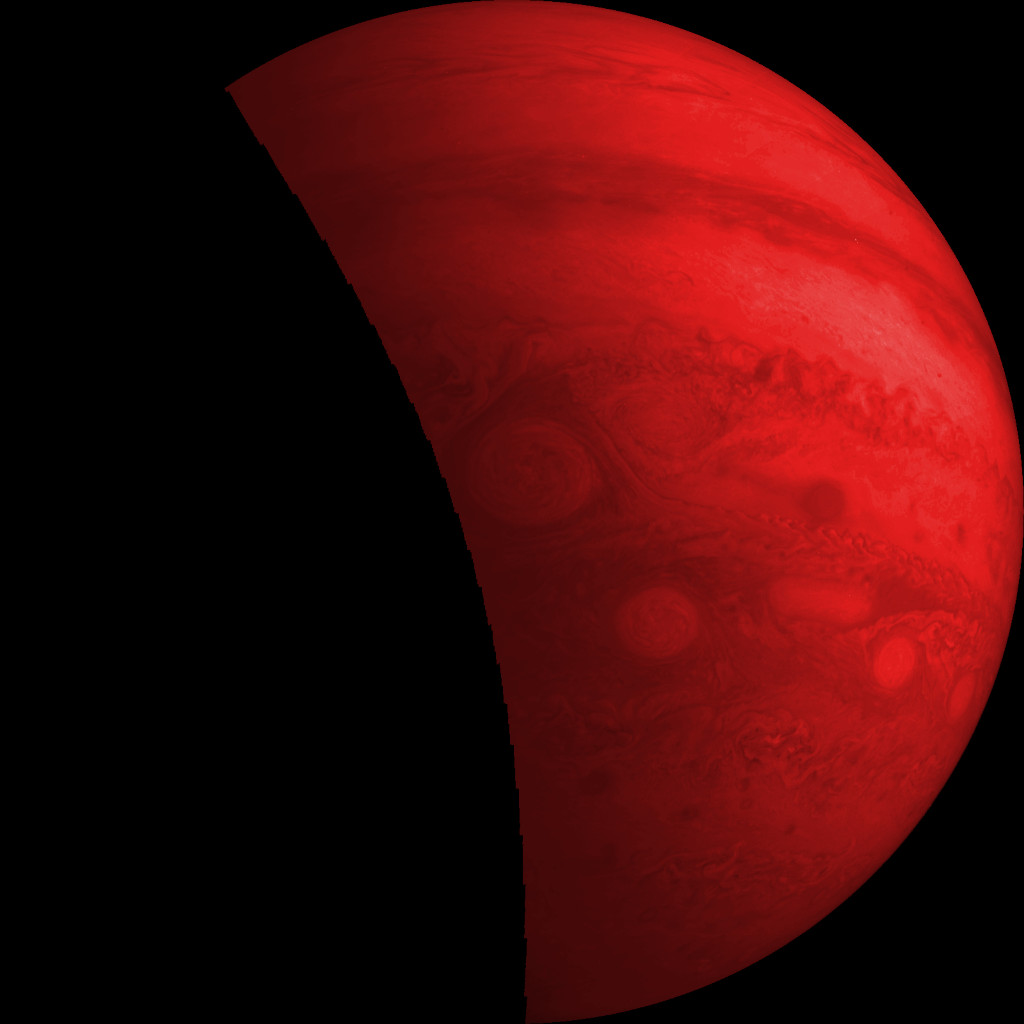
I opened the three color PNGs as layers and colorized them accordingly.

Then I played around with the individual layers’ brightness and contrast settings, then combined using Screen as the blend mode.

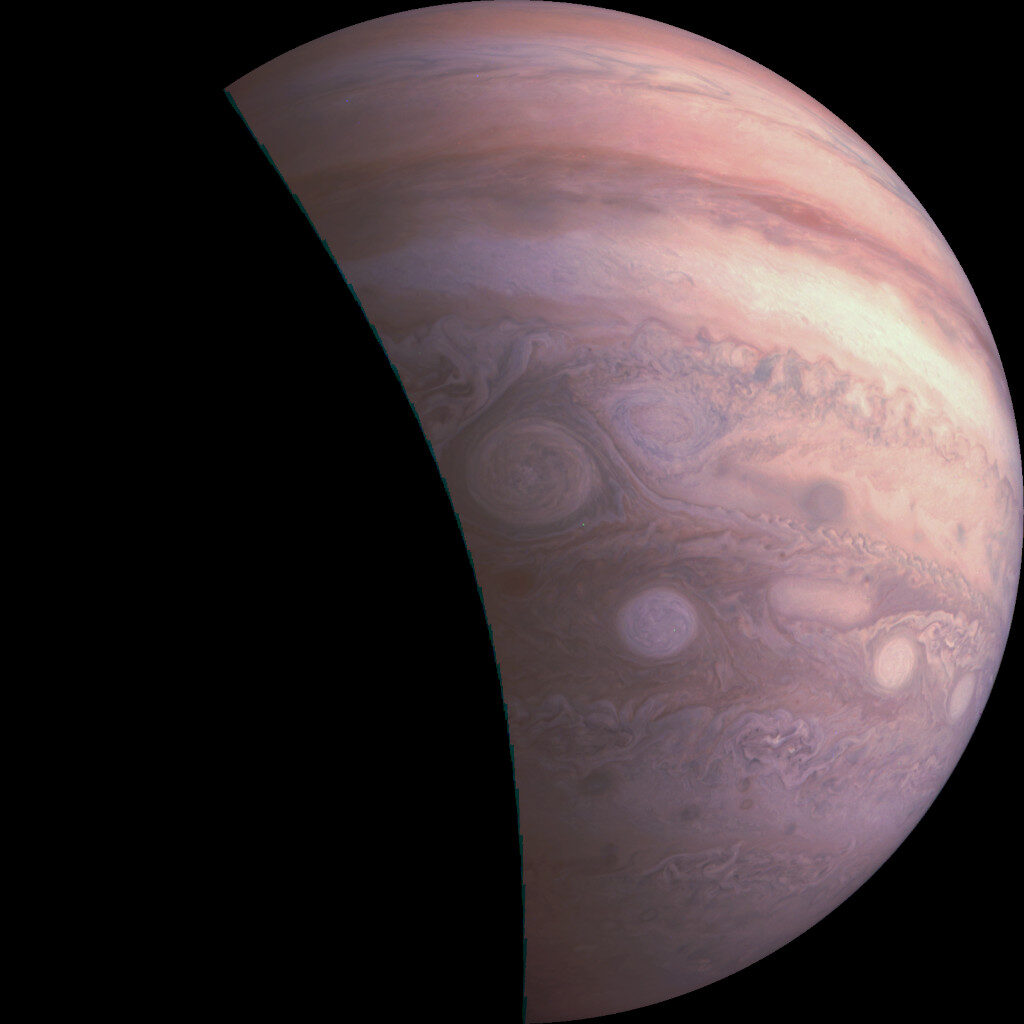
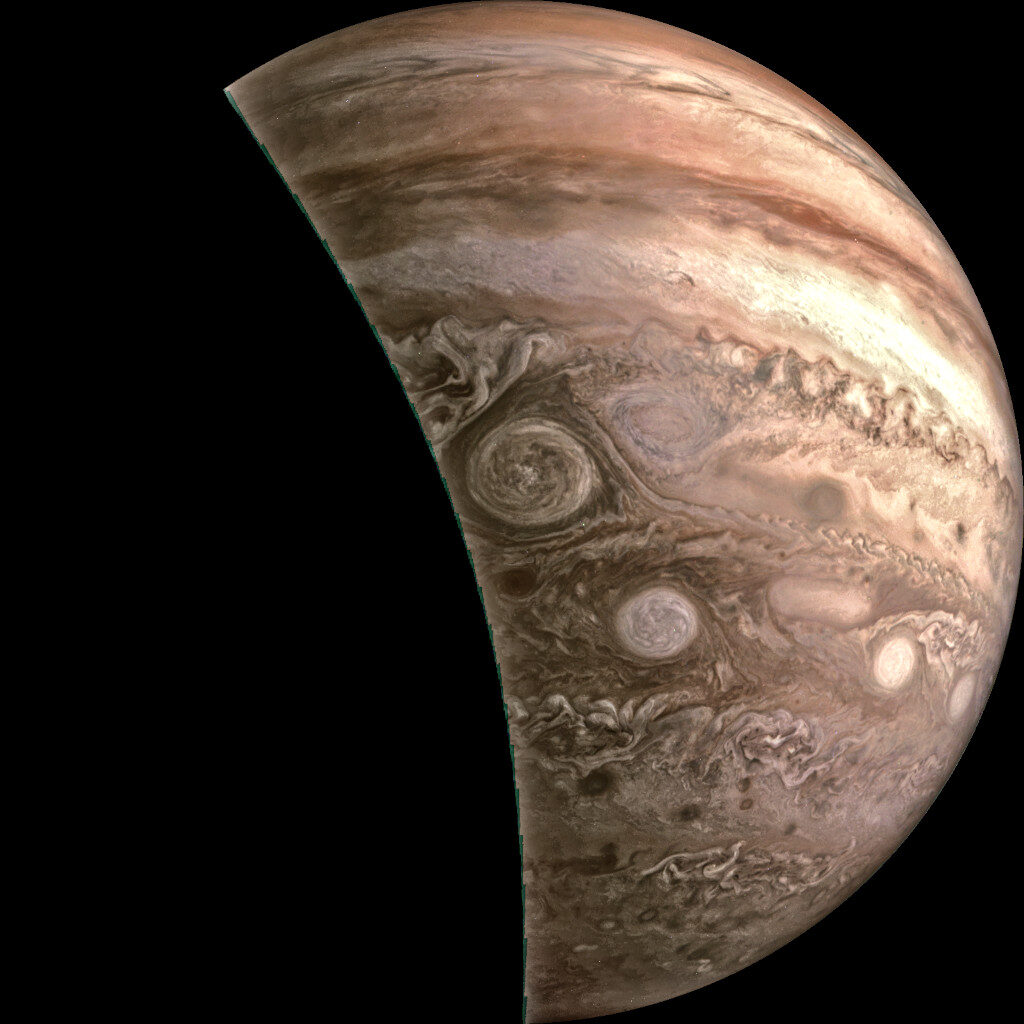
After I got the colors close to how I liked them, I used the G’Mic Tone Sharpening to bring out the detail.  (https://gmic.eu/index.html)

Before tone sharpening
After tone sharpening

I spent very little time on it, about 25 minutes total. I’m pleased with it and look forward to showing others how to make their own.

Cosmic Shaders from Darkfall

I saw this on my YouTube subscriptions feed last week. Very cool stuff. There is a good blog post on using the add-on as well: https://darkfallblender.blogspot.com/2021/03/blender-add-on-shader-library-version.html

Downloaded the python script from the Pastebin link provided in the blog post. Then installed the add-on through Blender Preferences.

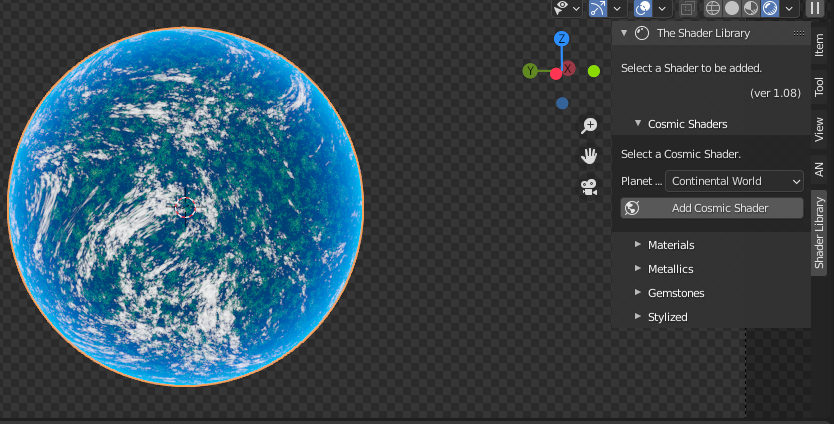
The Shader Library is accessed through the 3D View. If you don’t see the tabs on the right, hover over the 3D View and hit the “N” key on the keyboard.

There are several shader types and options to choose from.

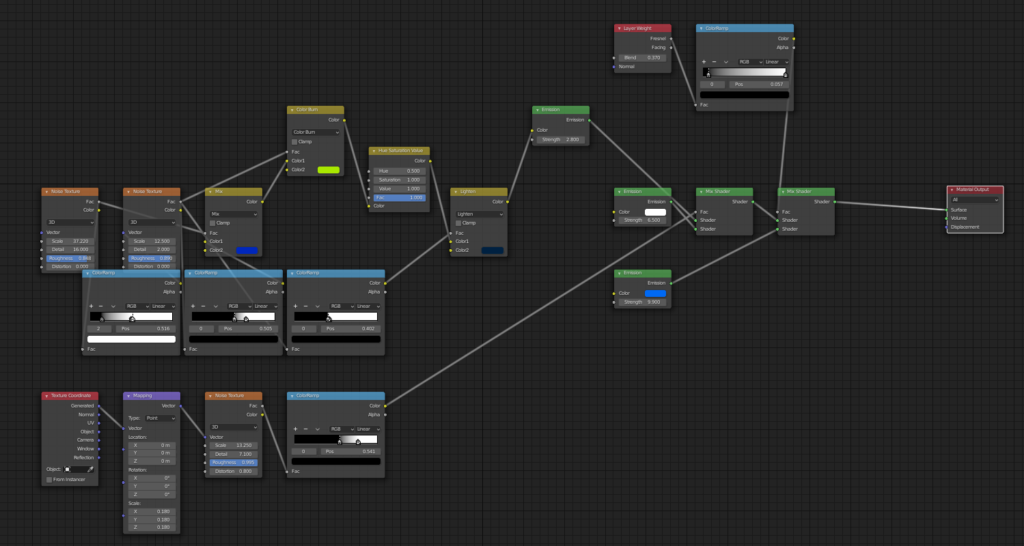
The add-on creates the node tree for the shader. This is a great way to quickly see what node trees can do without creating them from scratch.

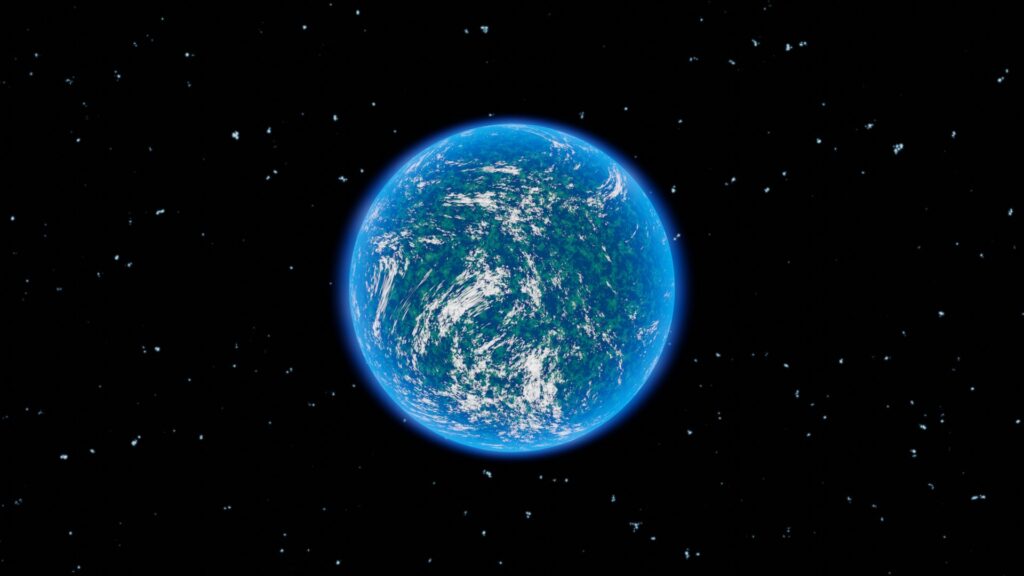
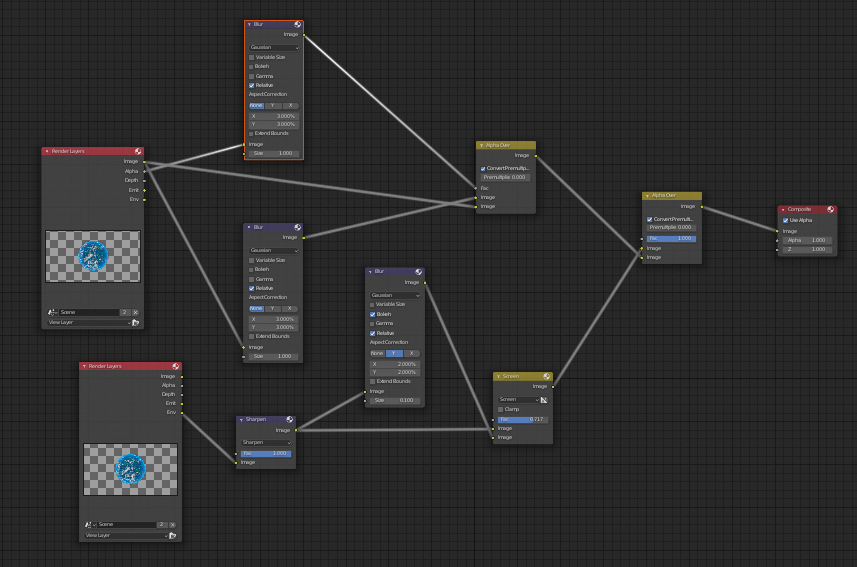
I added some compositing to get a nice glow in Cycles.

Have to separate out the Environment (background as set up in “World” panel) and blur foreground alpha separately from the image to get that nice glow.


I always look for a Cycles way to make things glowy since I ultimately use fisheye for use in the dome. Eevee is super fast and that bloom is wonderful, but it’s a no-go when rendering straight to fisheye.

Fun with Blender and Mars

Had a bit of fun making videos to celebrate in the weeks leading up to the Mars Perseverance landing. This one was one of my favorites.

Links from the video:

Blender http://www.blender.org

Blender HiRISE DTM Importer http://github.com/phaseIV/Blender-Hir…

HiRISE DTM Quickstart http://www.uahirise.org/dtm/howto.php

Terrain model data http://www.uahirise.org/dtm/dtm.php?I…

Mars Perseverance Mission http://mars.nasa.gov/mars2020/

Plexus Effect

So I spent my morning digging into a tutorial by Chris P on YouTube building a lovely Plexus Effect using Blender and Animation Nodes. There were a few stumbling points due to the tutorial being for slightly older versions of both, but they weren’t so different as to be a huge problem. And if I were more practiced with Animation Nodes it would have been much easier to figure out those differences.

My resulting video isn’t a super high quality because it was rendered for upload to Odysee/Lbry. I don’t know if there is a way to embed as there is with the other video players out there.

My result video on Odysee

Outliner on the LEFT?

Just watched nice YouTube video from YouTuber Steven Scott, titled “Blender Blasphemy, outliner on the left?” and it got me rethinking my workflow, since I increasingly use the numpad keys with my left hand so my right hand can stay on the mouse. (especially since I’m using USB numpads with laptops more and more)

Anyway, check it out:

Nodevember is here!

Too much going on this year for me to dive into Nodevember, but I’m looking forward to seeing what other Blender peeps come up with. Rock on, node nerds! 

From http://nodevember.io :

Published
Categorized as news

Almost #nodevember… time to Prepare

 I’m looking forward to #nodevember this year. Last year I only made it about a week before life got in the way, so I’ll try again.

My personal goal is to improve my node skills and in particular try to stretch beyond the types of things I would ordinarily attempt.

In preparation, I’m enjoying reviewing the amazing work of others last year, like through this video from Curtis Holt: 


http://www.youtube.com/watch?v=JhLVzcCl1ug

And through my subscription to the Blender Cloud, I’m following the series Procedural Shading: Fundamentals and Beyond.

I don’t know if I will keep up this year, but for me the learning is never wasted. The prompts aren’t up yet as of this writing, but they will be here: http://nodevember.io/