My friend Ron Proctor gave a great talk on Blender 2.80 today.

He has some Blender 2.80 intro videos available.
Check them out:
Introduction to Blender 2.80 – Ron Proctor
Free and open source software for the planetarium dome and other immersive environments.
My friend Ron Proctor gave a great talk on Blender 2.80 today.
He has some Blender 2.80 intro videos available.
Check them out:
Introduction to Blender 2.80 – Ron Proctor
Last year’s upgrade and other things put this project on hold. I’m definitely going to resume working on it, especially since I’ve already put a lot into it.
A few production test stills made last summer before I had to put it on hold.


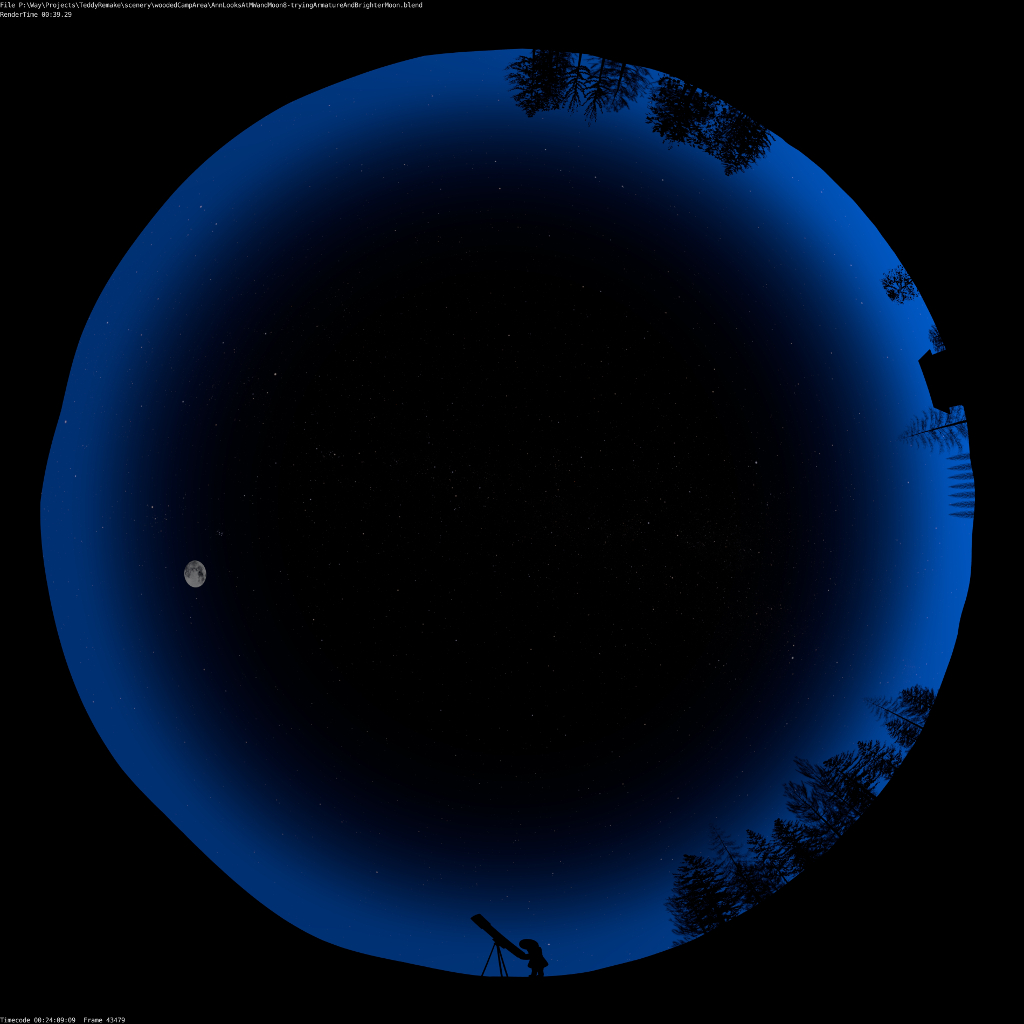


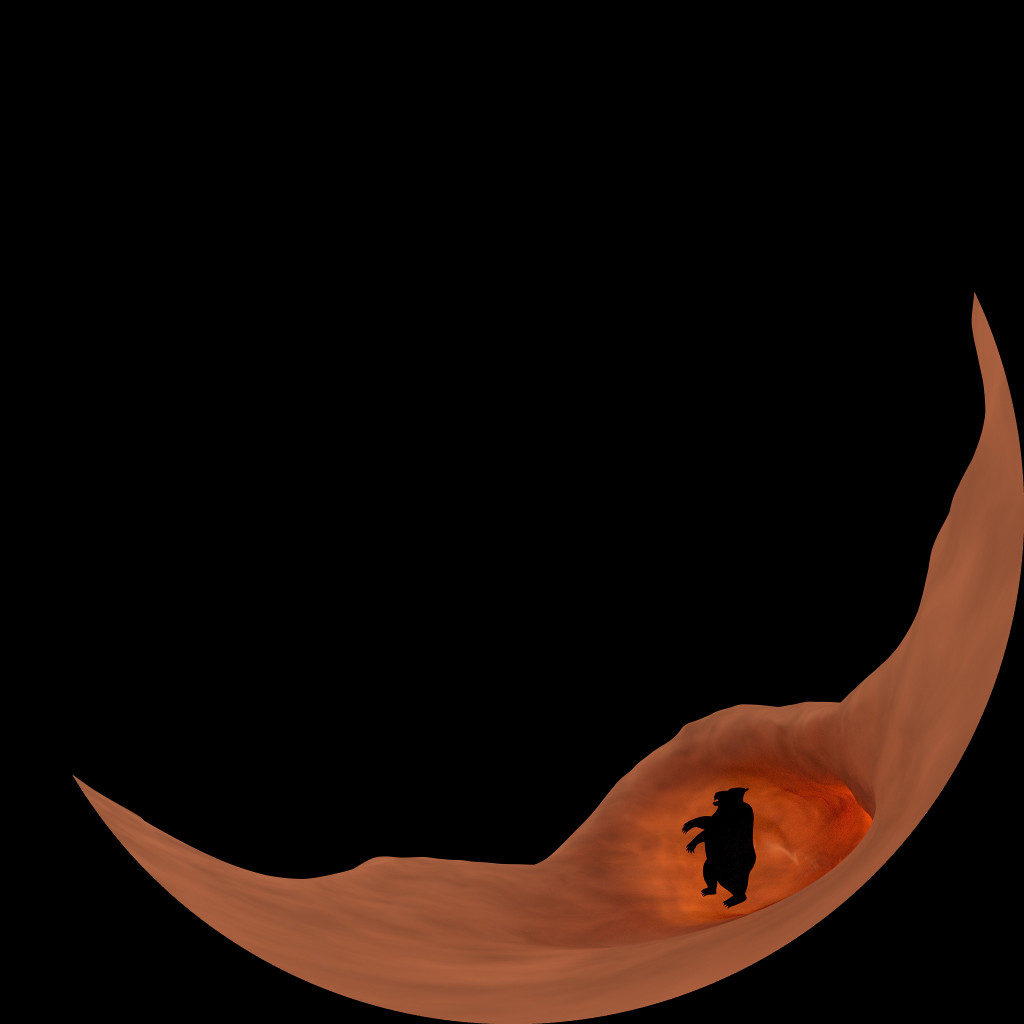
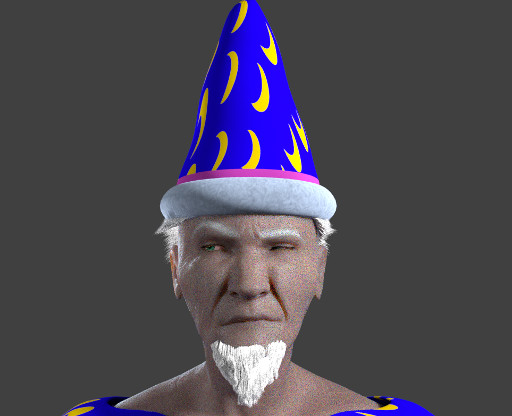
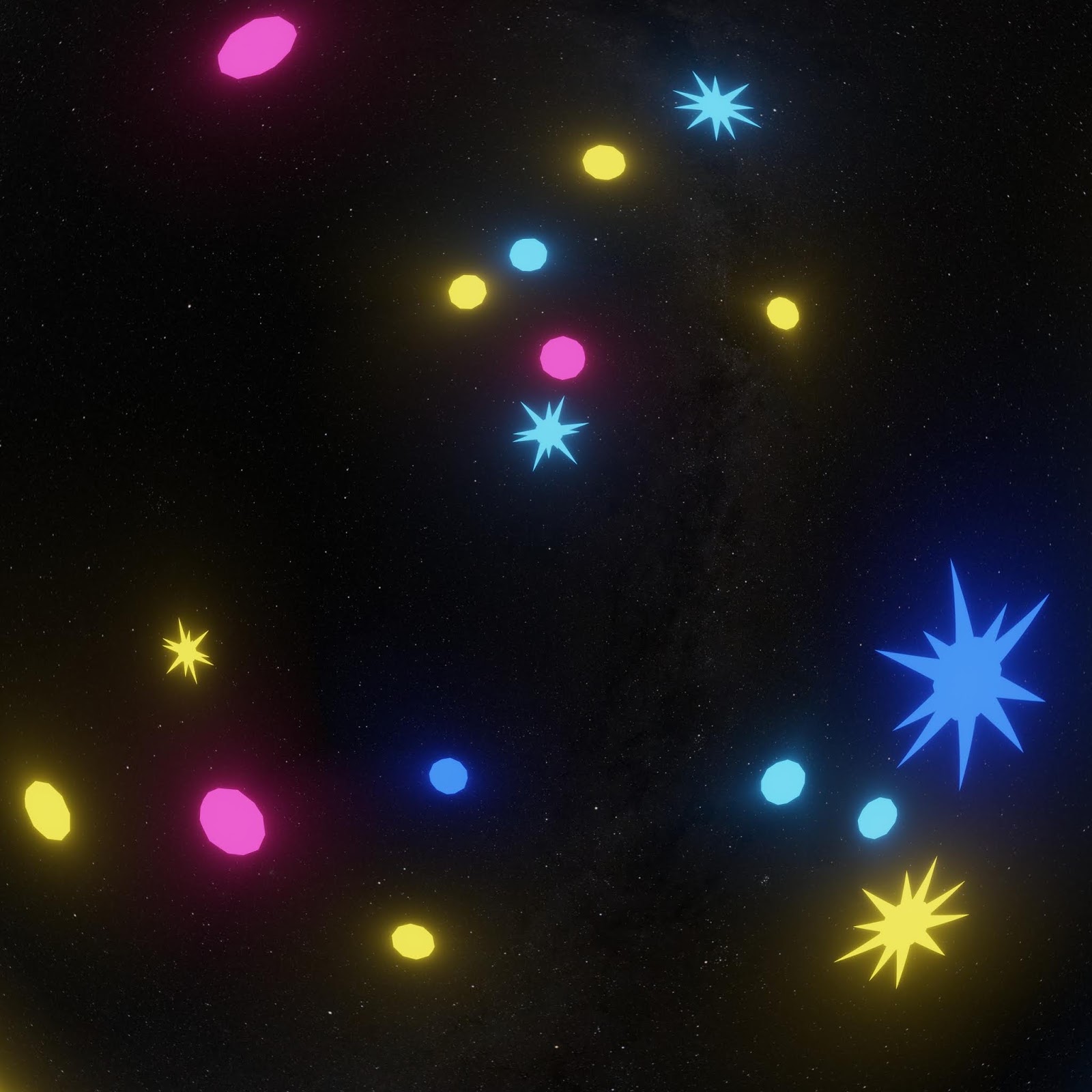
Additional testing held up. Distant fuzzy stuff at the edges blended nicely.

As expected, anything near intersection edges with glowiness would blend oddly, although not nearly as bad as I thought it would be.
That means rendering out separately the things to have glow applied and then do glow in compositing after stitching.
This will require serious planning but will still be worth it for the speed advantage with Eevee.
So in conclusion, I can happily add Eevee + Hugin to my production workflow.
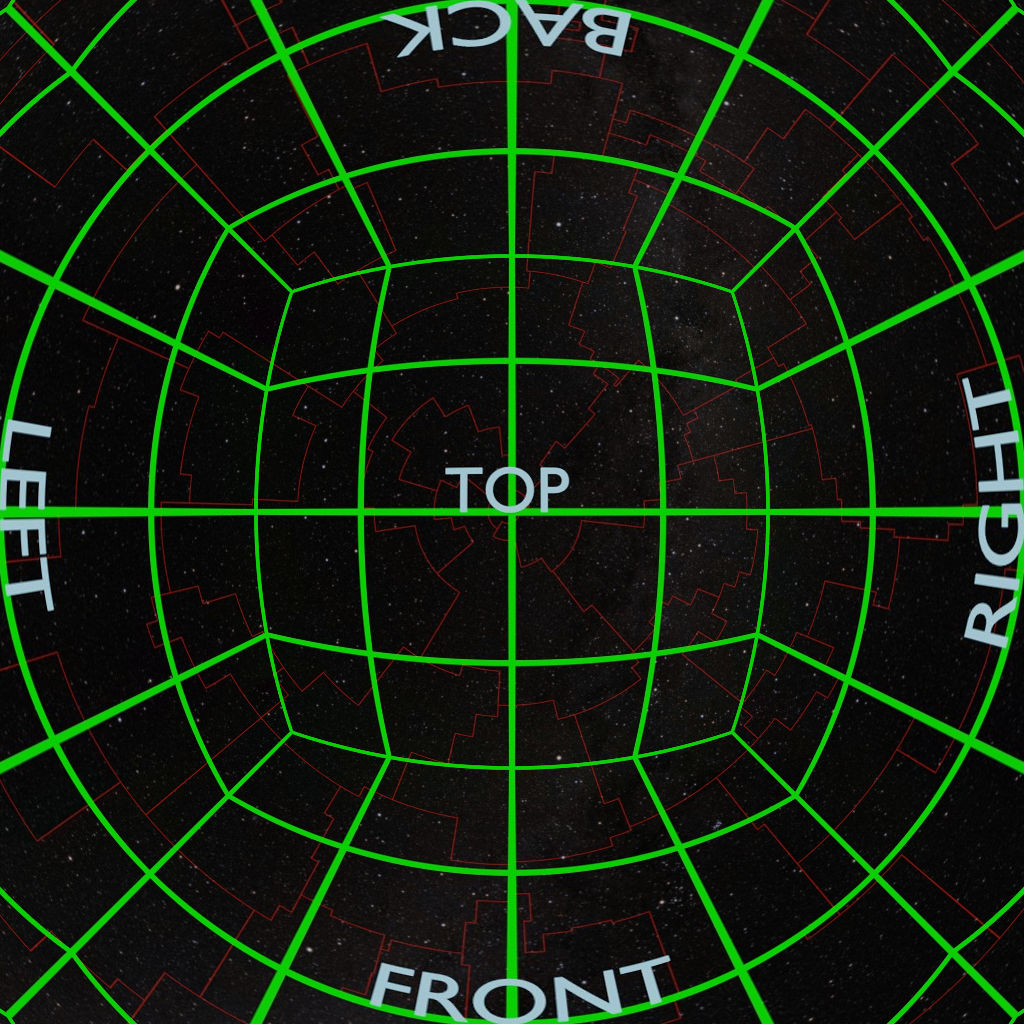
Now I need to test it with a variety of scene types to see how the seams turn out. Even if I can’t use this for all cases, it will still work for enough situations to have made this worth my while.
I’ll keep updating on this, and will share the scripts and make a tutorial or how-to if there is enough interest.
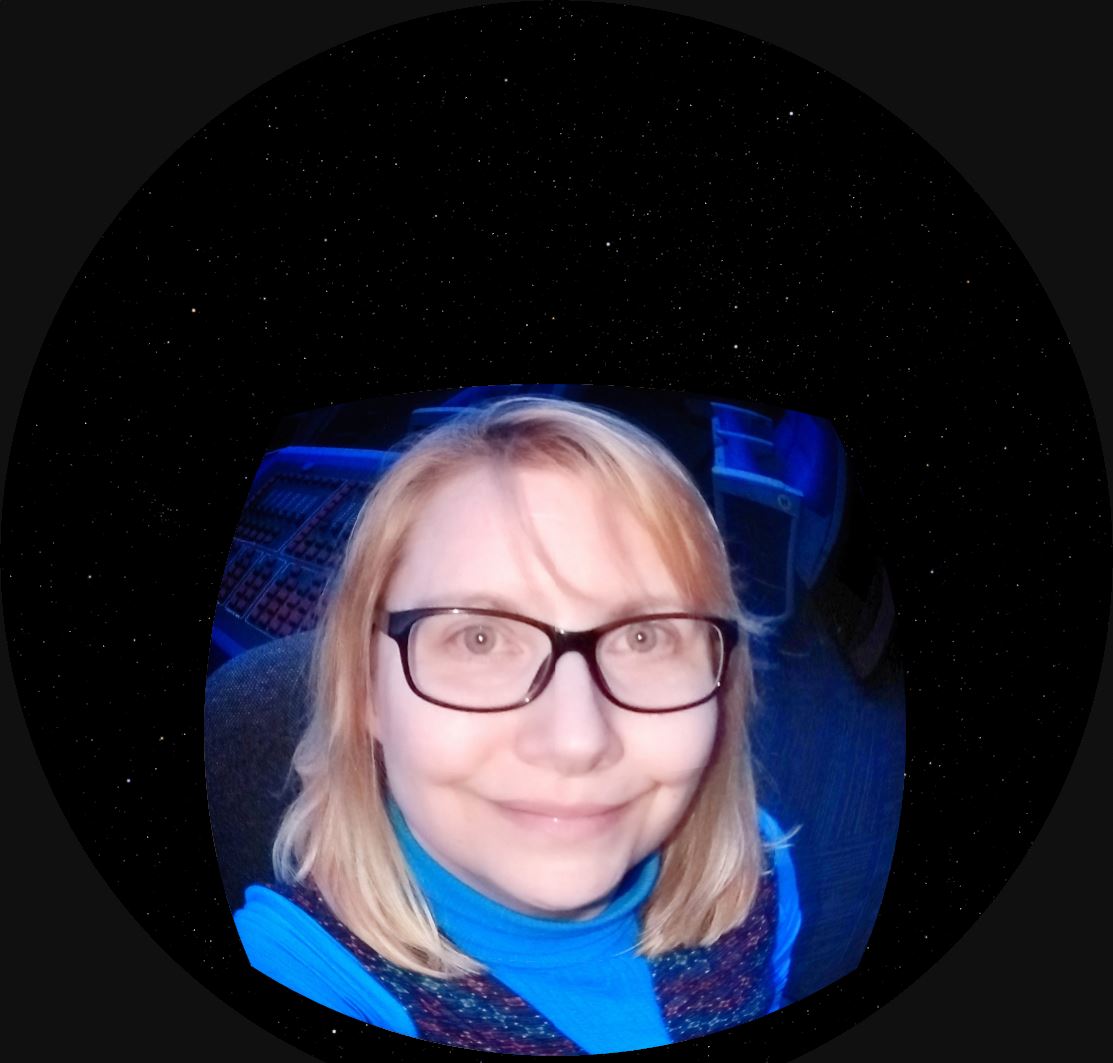
A very cool effect in our digital planetarium is to take slices of an image and use them to seemingly build or break apart the image.
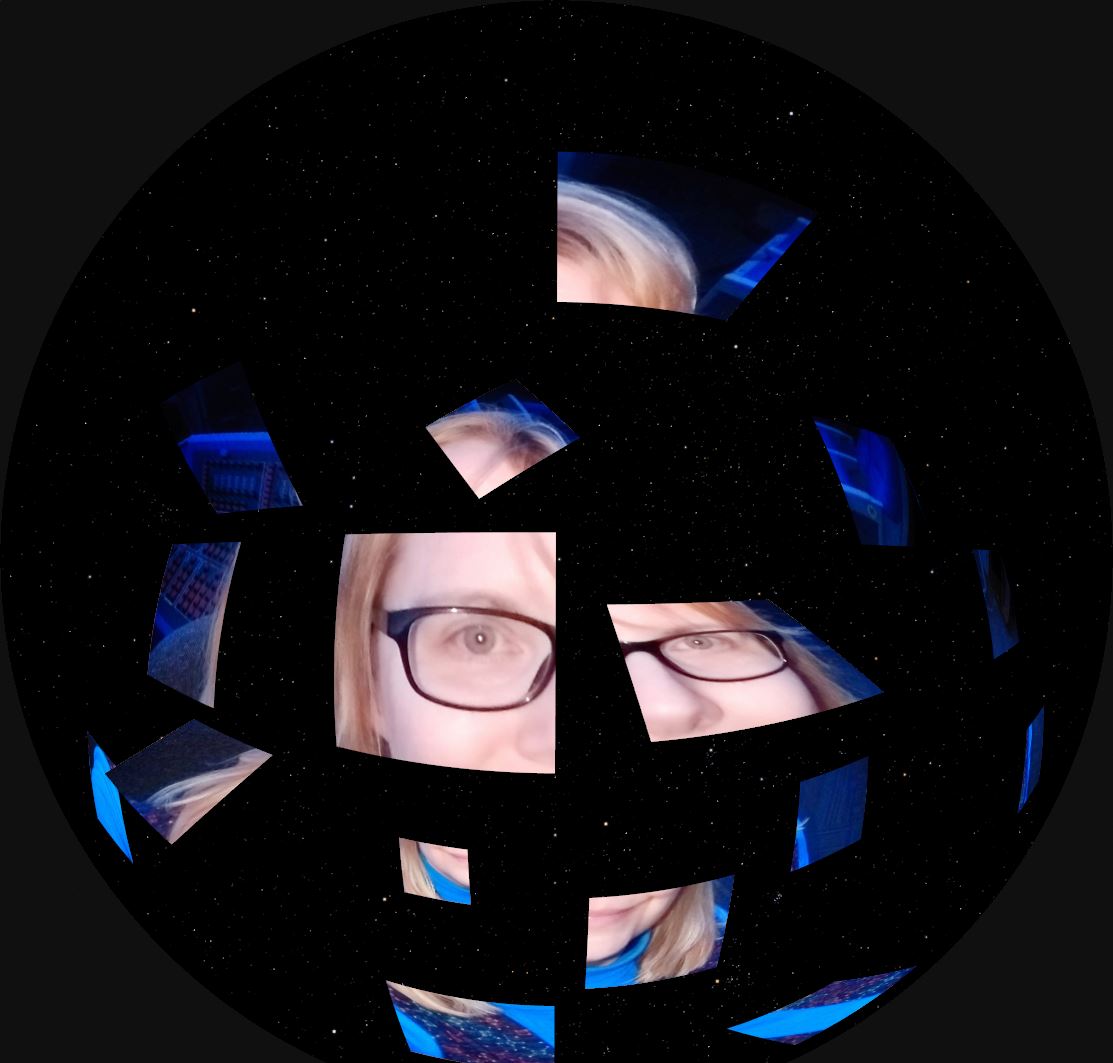
In our Digistar system, I create an empty object to be the parent of all of the needed image planes and position the image planes accordingly.
By keeping the image slices organized in folders, the separate image planes can be assigned slidesets to advance or reverse through a set of images.
To make the image slices, I use GIMP.

There are lots of ways to place guides for cutting. I’m accustomed to a script that lets me put the guide positions in by percentage. I don’t speak German, but the script maker does. 
I check the boxes to indicate that I’m setting the guides by percentage, then I enter percentages and select horizontal or vertical.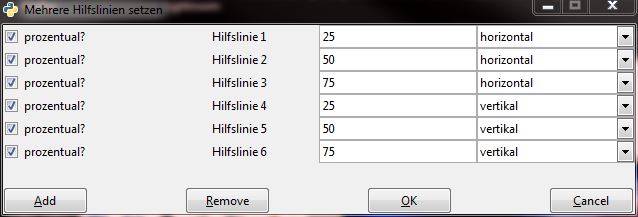
My guides are in place.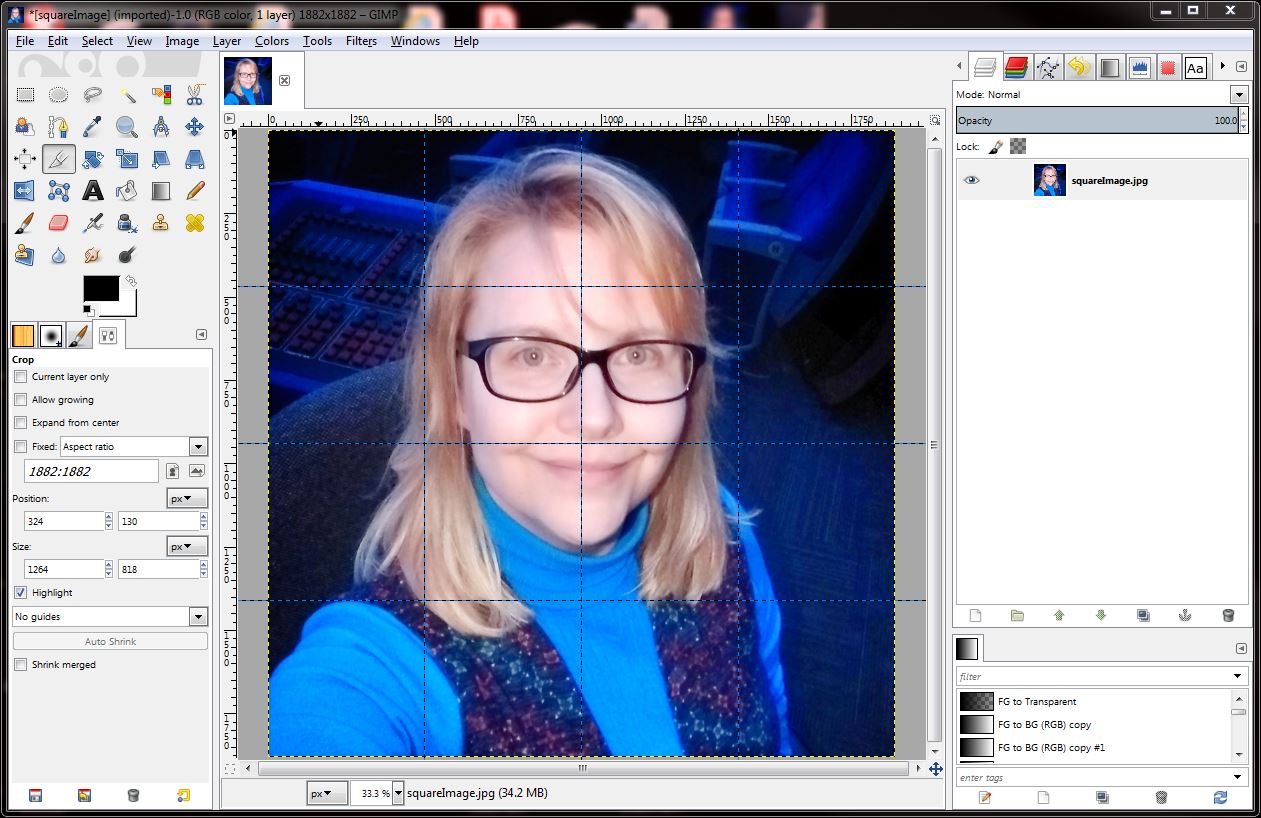
Select Filters > Web > Slice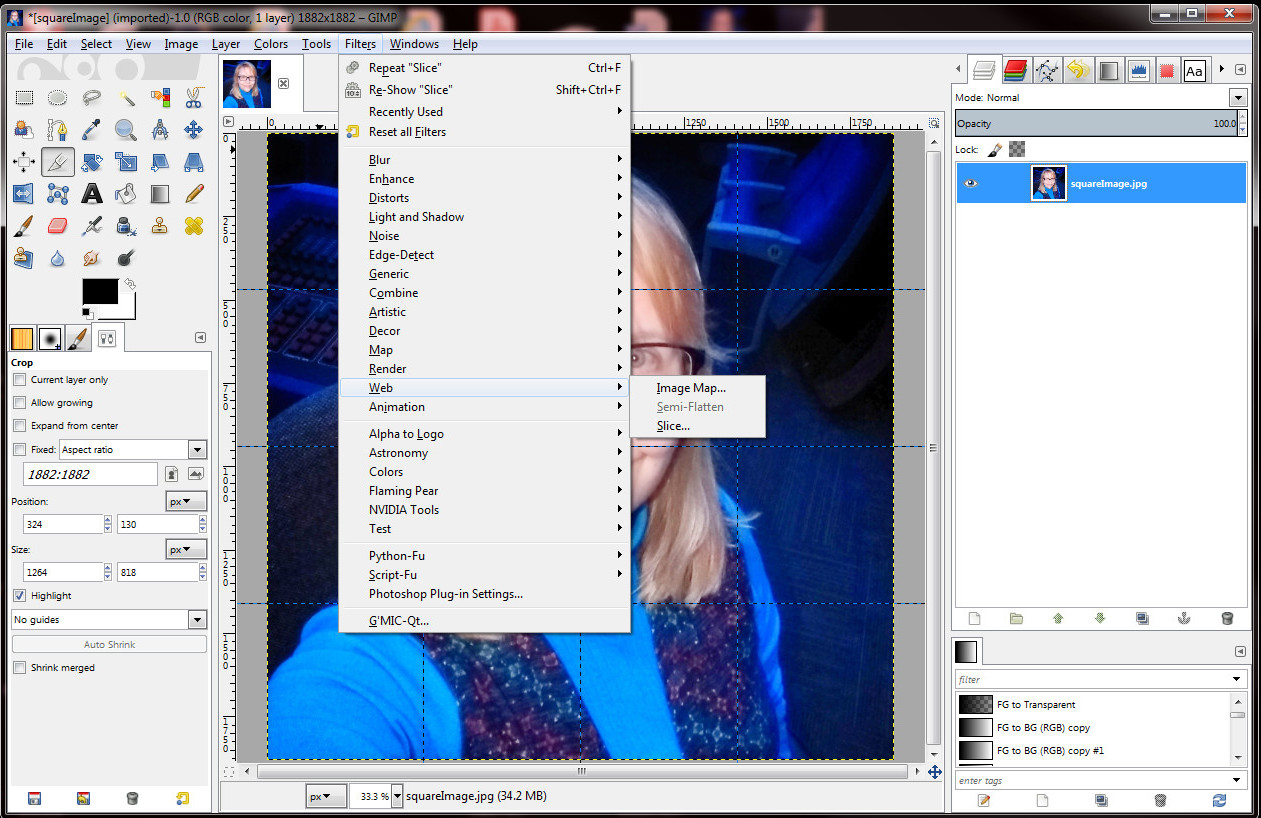
Because the slice tool is meant for web work, an html file is created. I just delete that later.
And then I have a folder full of sliced image pieces!
Very promising FOSS video editor:
Blender 2.80 features the superfast render engine Eevee, but there’s no fisheye camera as there is with the Cycles render engine. So it’s back to the old-fashioned method of rendering out panels to be stitched together.
Instead of rendering out 90 degree panels, I’m trying 110 degree panels and then using Hugin to stitch with blending. To reduce nastiness of seams, at least making them less obvious.
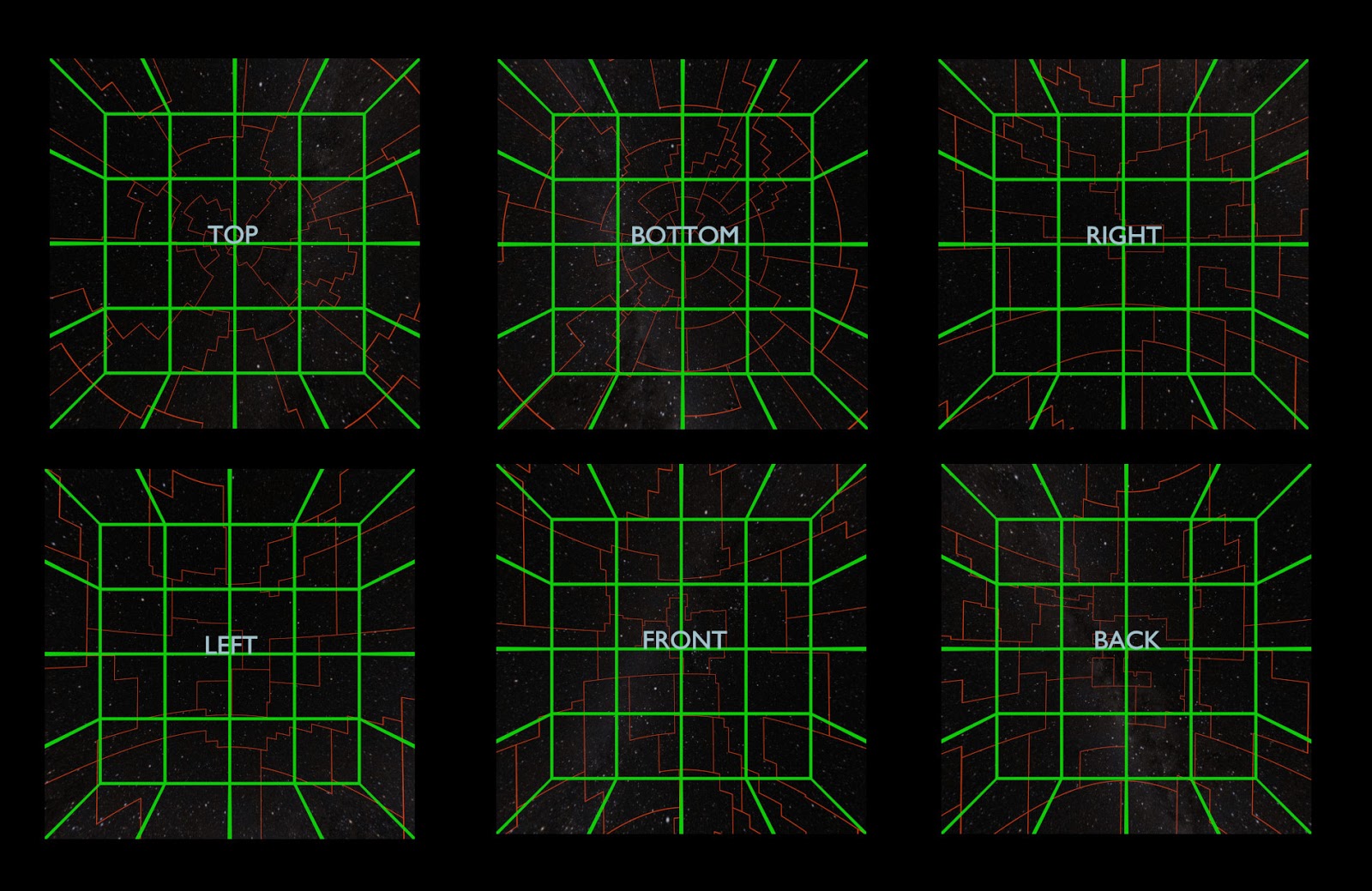
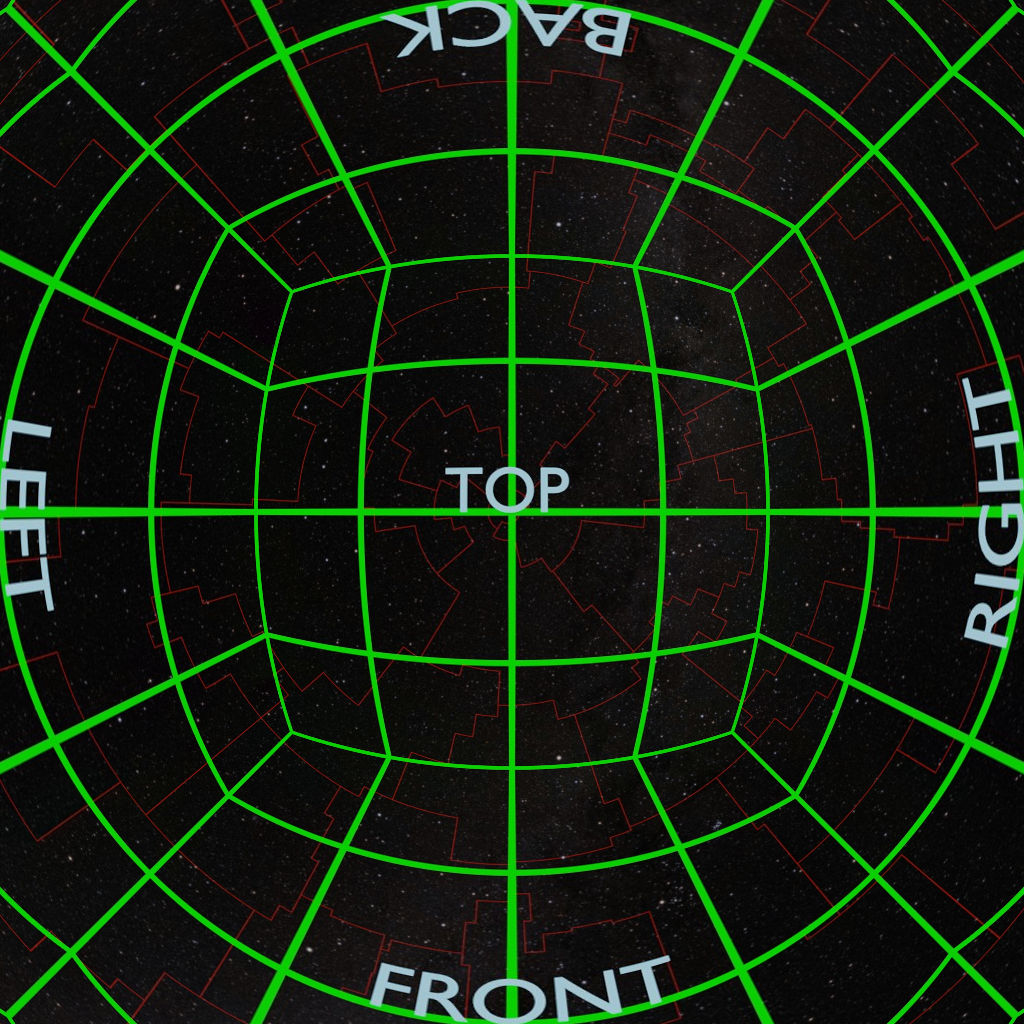
One frame at a time works great, but scripting it to run from command line and iterate through the frames isn’t working so great. Yet. There is a newer Hugin command-line program called hugin_executor.exe that works exactly like stitching from the gui, but I haven’t figured out a way to pass along different input files than the ones saved to my custom PTO file. I might try a script that copies each set into a scratch folder and renames them into what the PTO file wants, then renames the result and puts into a results folder.
This was another great memory.
I had lots of wonderful help running the workshop, and I was very proud of the result. The materials include several examples of methods for creating fulldome content with Blender 2.79.
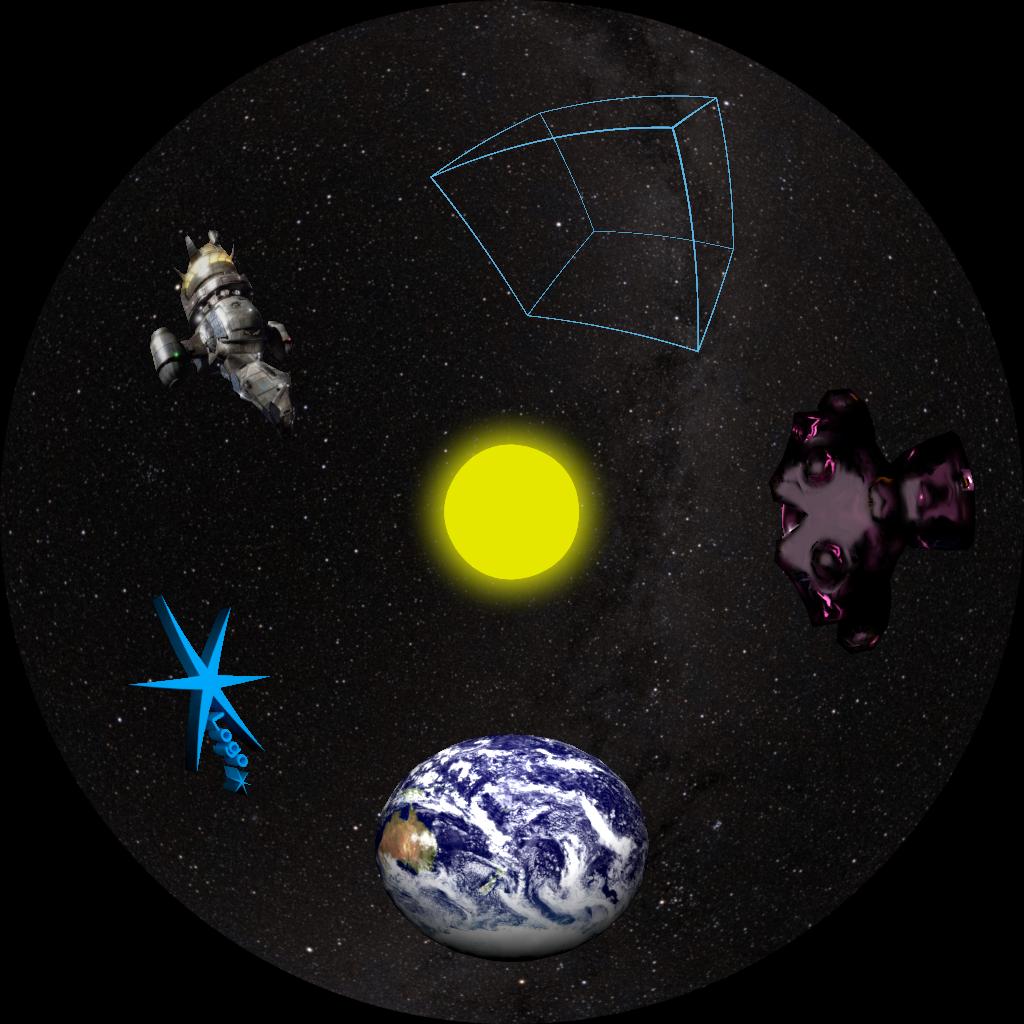
The materials are currently on my GitHub account – click “Clone or Download” to download the whole thing as a zip file.
2017 Blender Workshop Materials
I hope to remake the materials with Blender 2.80. Mostly the same, but the interface and shortcuts have changed. The new features are still evolving and could merit a new chapter.
I’m keeping the Blender 2.79 materials around, though. Folks with older computers might not be able to run Blender 2.80.
Memories… From a very early GLPA Blender workshop… 2009 if I had to guess.

Under construction. Or something.