It’s here! It’s here!
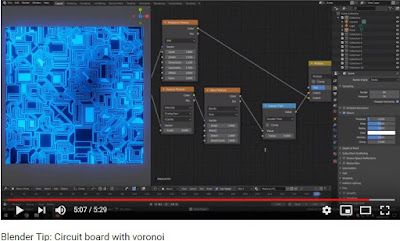
Blender procedurally generated circuit board…
I saw this today on BlenderNation.
A very easy to follow demonstration of setting up nodes in Blender 2.8 to create a circuit board texture from Leroy Xie.
Direct link: https://youtu.be/9iO-7RbDSw8
| https://youtu.be/9iO-7RbDSw8 |
Blender Beyond Beta – 2.80rc1
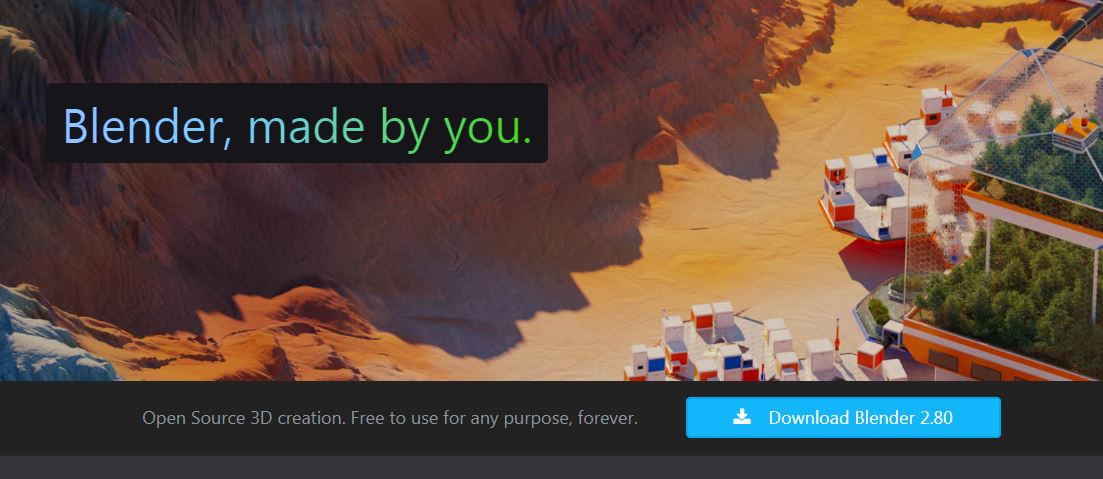
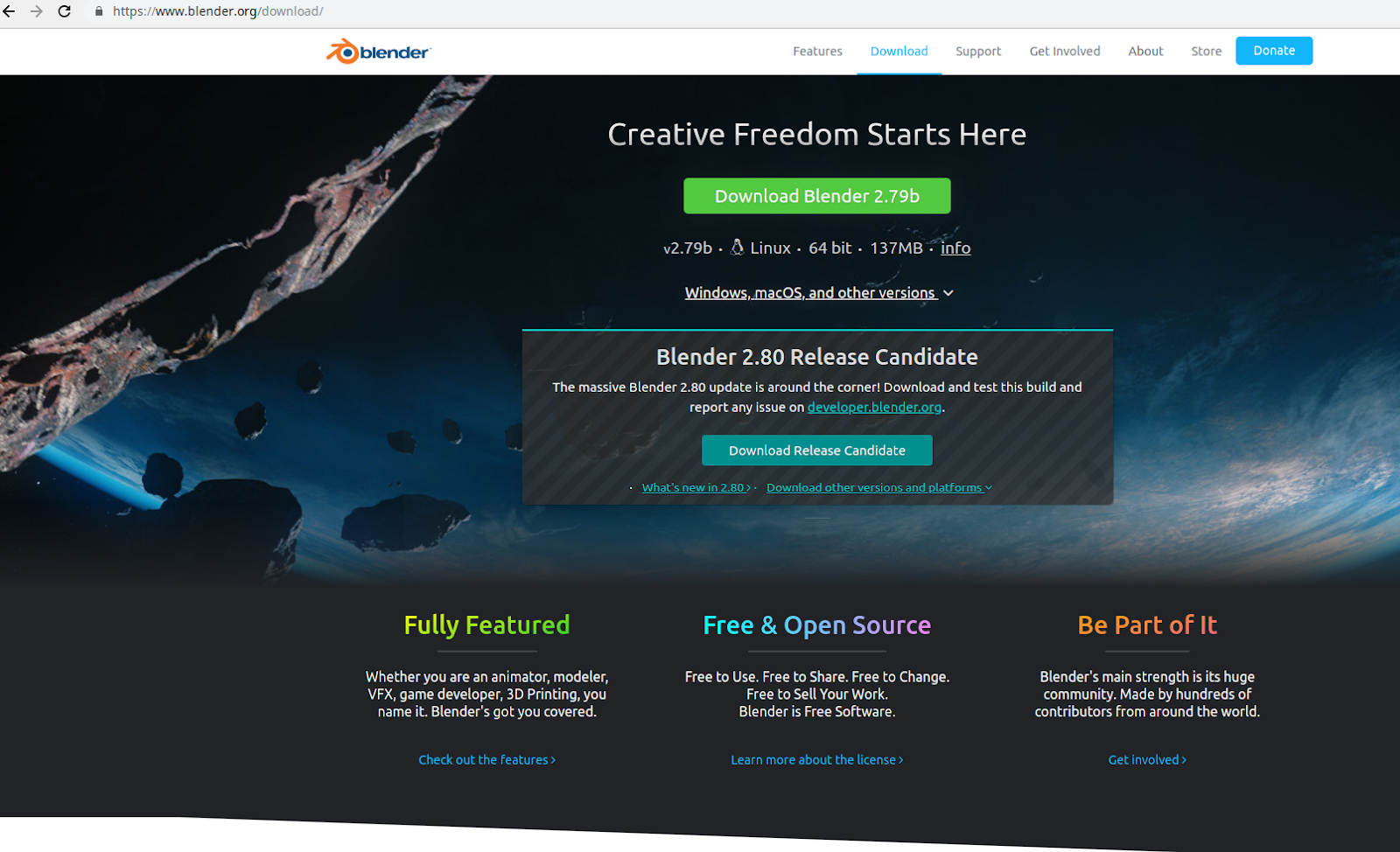
Blender 2.80 Release Candidate 1 is out today.
It’s looking mighty fine and the UI has been redesigned to work the way users of most commercial software packages expect.
Give it a try!
Download it from www.blender.org.
Extract the downloaded file, then run Blender straight from the extracteed folder.
Blender modeling tools
Saw this today on BlenderNation:
https://artisticrender.com/more-than-30-blender-modeling-tools-explained/
Erik Selin created this outstanding list describing more than 30 Blender modeling tools.
Untitled
I saw this posted on Blendernation this morning:
ToxicTuba shares a list of Blender texture resources that are well-worth checking out.
Godot Engine on a rainy day
A year ago I started looking into Unity and quickly put it aside because other things came up and the frustration in learning did not motivate me to get back to it.
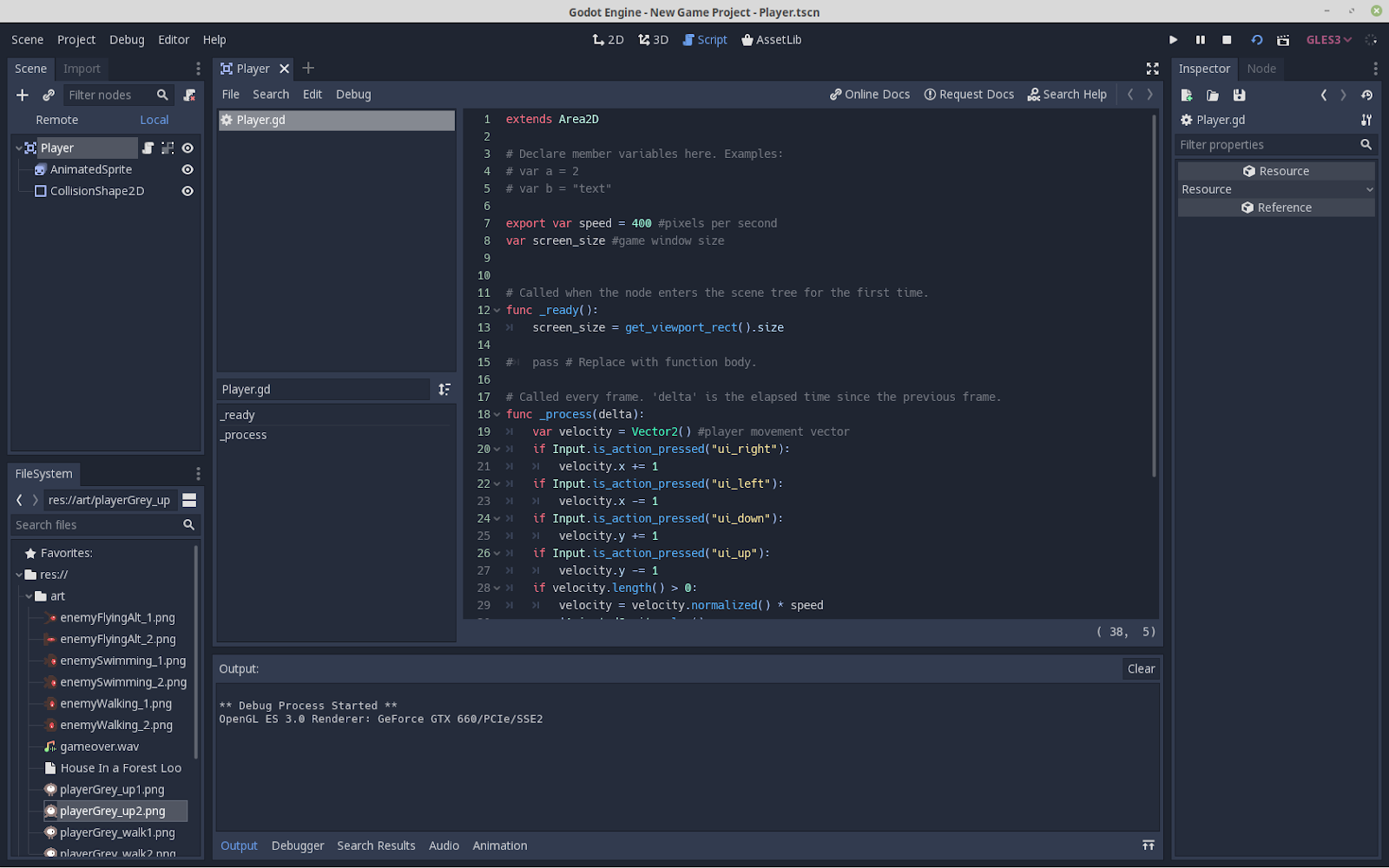
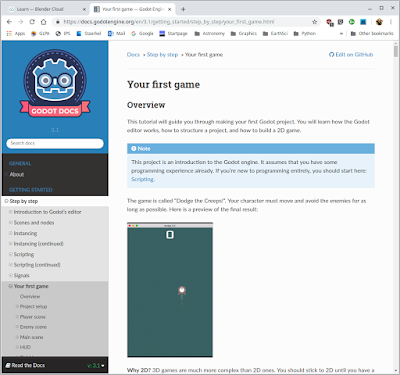
Here I am a year later, playing with Godot Engine on a rainy day. It is open source under the MIT license.
I must say that Godot is very clean and is working great both on my Windows 10 laptop and on my Linux machine. I’ve never used GDScript before, but the built-in editor is super helpful.
I’m in the Hello World stage of learning, but the early tutorials are already making so much more sense than I’d expected given my troubles with learning Unity. To be fair, it doesn’t necessarily mean that Godot is better than Unity. But it does mean that I can recommend the online tutorials in the Godot Engine documentation.

At the SEPA MAPS 2019 conference
My friend Ron Proctor gave a great talk on Blender 2.80 today.
He has some Blender 2.80 intro videos available.
Check them out:
Introduction to Blender 2.80 – Ron Proctor
I really need to get back to this project.
Last year’s upgrade and other things put this project on hold. I’m definitely going to resume working on it, especially since I’ve already put a lot into it.
A few production test stills made last summer before I had to put it on hold.
Final(ish) update for Hugin and Blender Eevee
Additional testing held up. Distant fuzzy stuff at the edges blended nicely.
As expected, anything near intersection edges with glowiness would blend oddly, although not nearly as bad as I thought it would be.
That means rendering out separately the things to have glow applied and then do glow in compositing after stitching.
This will require serious planning but will still be worth it for the speed advantage with Eevee.
So in conclusion, I can happily add Eevee + Hugin to my production workflow.
Hugin and Blender Eevee Fulldome Master Update
Now I need to test it with a variety of scene types to see how the seams turn out. Even if I can’t use this for all cases, it will still work for enough situations to have made this worth my while.
I’ll keep updating on this, and will share the scripts and make a tutorial or how-to if there is enough interest.