Another fine video tutorial from Ron Proctor!
Check it out! You know you want to…
https://youtu.be/uTZ9el8st5c
Free and open source software for the planetarium dome and other immersive environments.
Another fine video tutorial from Ron Proctor!
Check it out! You know you want to…
https://youtu.be/uTZ9el8st5c
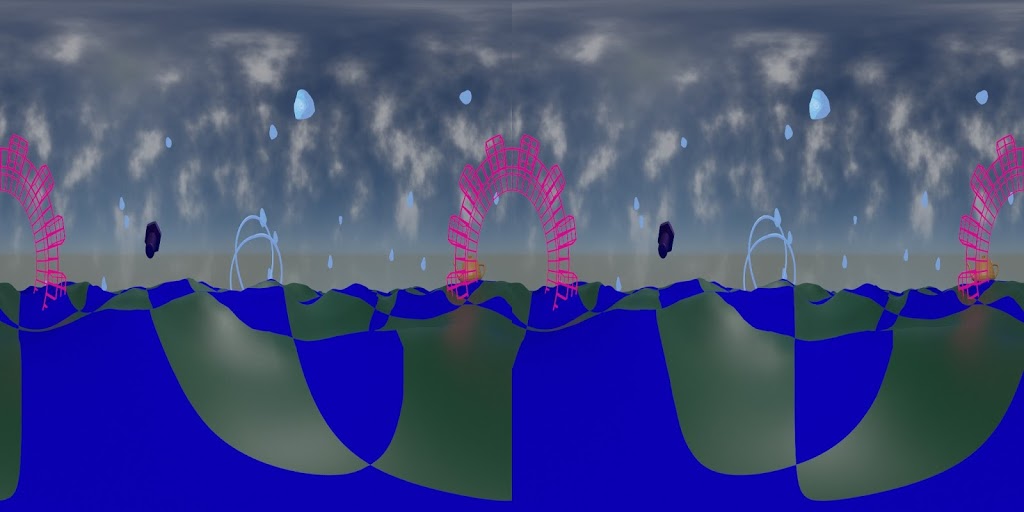 |
| 3D stereoscopic test frame, SBS. |
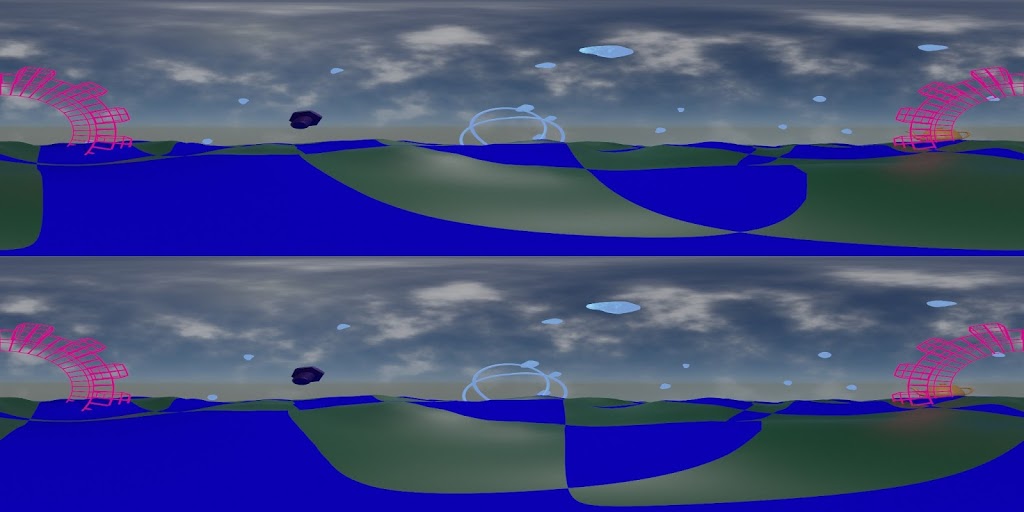 |
| 3D stereoscopic test frame, TAB |
Wow. Saw this today on BlenderNation:
http://www.blendernation.com/2020/05/24/blendpeaks-create-mountain-peaks-in-blender-free-add-on/
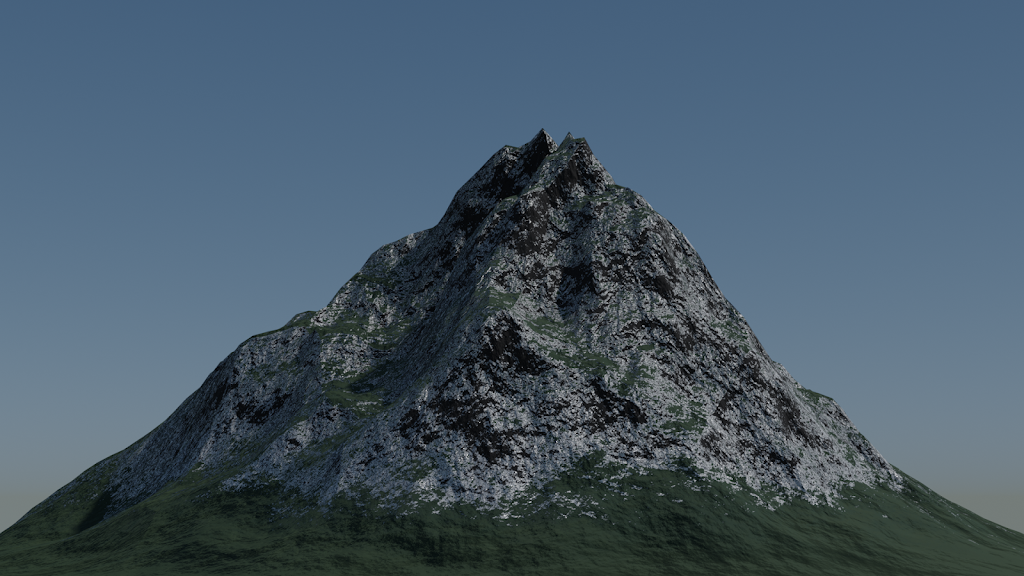
It creates a plane and a shader setup for material and displacement.
I made a quick test using defaults, with a default Sky Texture and the default single scene lamp:
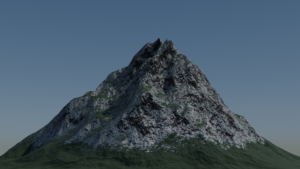
I like it. I like it a lot. In fact, I think I might be a bit in love.
Here’s the direct link:
http://github.com/oormicreations/Blendpeaks/releases
And while you’re at it, please do check out the Oormi Creations website:
http://oormi.in/index.htm
Saw this on BlenderNation today…
The complete beginners guide to Blender nodes, Eevee, Cycles and PBR
Wow. I like this. I like this a lot.
http://artisticrender.com/the-complete-beginners-guide-to-blender-nodes-eevee-cycles-and-pbr/
I shared this previously on Facebook, but I’m back to the project.
The blend file is available here:
https://github.com/waystar/Sample-Blend-Files
Drop me a line if you want the PNG frames with alpha background.
I might try some of these, since I want to step up my node-based procedural textures game!
 |
| From nodevember.io |
I won’t have time to do them all, but I’ll try to some of them. I will of course be using Blender, but any procedural/node based software can be used.
The 2019 annual meeting of the Great Lakes Planetarium Association was held last week, hosted by the Ritter Planetarium of The University of Toledo.
It was special for me because my planetarium career started at Ritter Planetarium in February 1992. Honestly I had planned to stop conducting workshops for a few years so that I could concentrate on my GLPA executive community duties. But Alex Mak asked so of course I said yes.
The result is a very revised version *NEW!* for Blender 2.8:
https://github.com/waystar/2019-Blender-Workshop-Materials
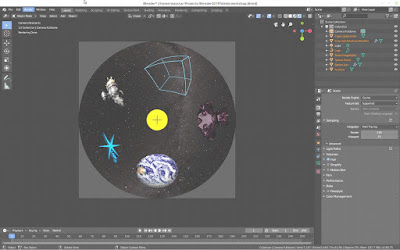
https://github.com/waystar/2019-Blender-Workshop-Materials
Click the “Clone or download” button to download the whole thing in a zip file.
Drop me a line if you find mistakes or OS-related differences. (I test on Linux and Windows.) Also, let me know if you find any of it particularly useful and I would LOVE to see what you make.
And of course, if you are having trouble with something in particular that you are trying to do, let me know. If I can’t help get it to work, I might be able to suggest alternate approaches to get the same effect.
I saw this today on BlenderNation.
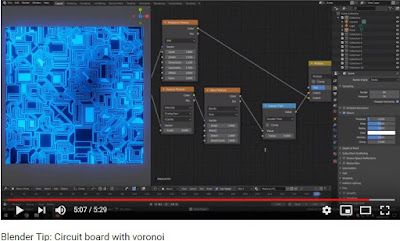
A very easy to follow demonstration of setting up nodes in Blender 2.8 to create a circuit board texture from Leroy Xie.
Direct link: https://youtu.be/9iO-7RbDSw8
 |
| https://youtu.be/9iO-7RbDSw8 |
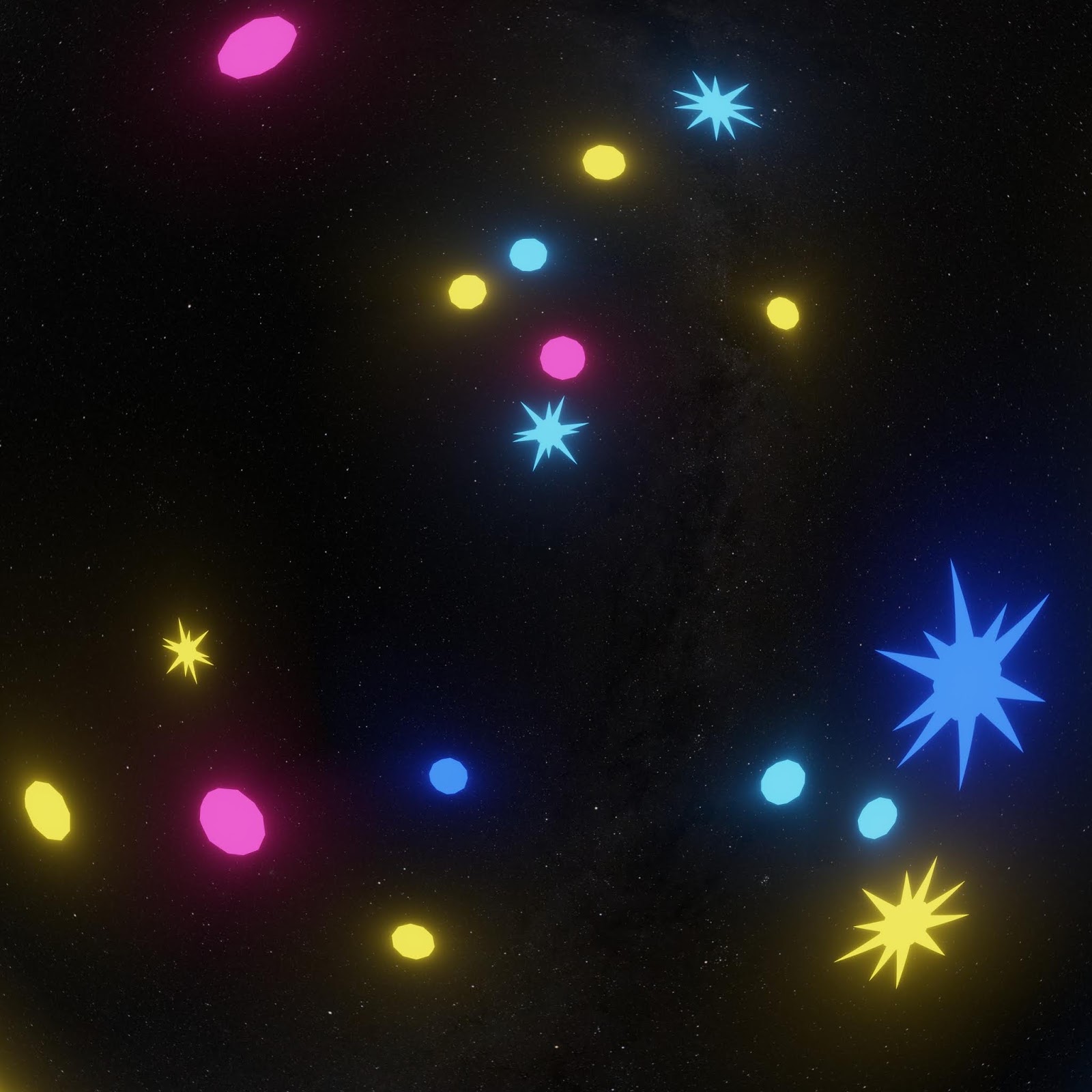
Additional testing held up. Distant fuzzy stuff at the edges blended nicely.

As expected, anything near intersection edges with glowiness would blend oddly, although not nearly as bad as I thought it would be.
That means rendering out separately the things to have glow applied and then do glow in compositing after stitching.
This will require serious planning but will still be worth it for the speed advantage with Eevee.
So in conclusion, I can happily add Eevee + Hugin to my production workflow.