Fractal Flames a happy mistake

I used a flame that I generated in Gimp, then converted it to the XML format using flam3-convert, then used defaults with flam3-generate and rendered with flam3-render.
I’m working on a workflow to generate some for dome use, but not random defaults.
Oh yes, I didn’t apply any processing, just strung the frames together. 

Blender Animation Nodes

There is so much great info on Blender Animation Nodes, but getting started with them can be a huge step. 

To get Animation Nodes:
Getting started guide:
I needed a tutorial to apply some theory, so I gave this one a try:
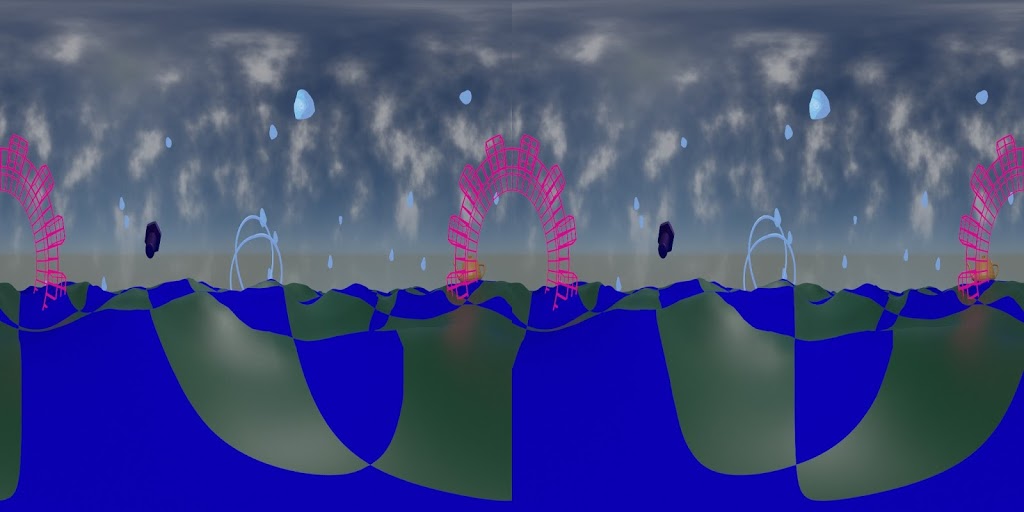
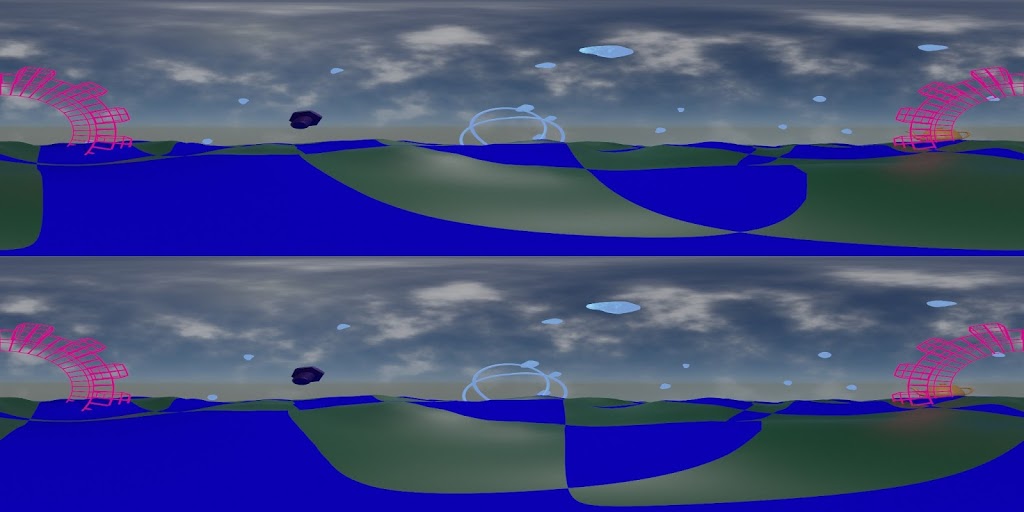
And here is my result:
I’m very pleased and I look forward to making some interesting things to put up on the planetarium dome. 

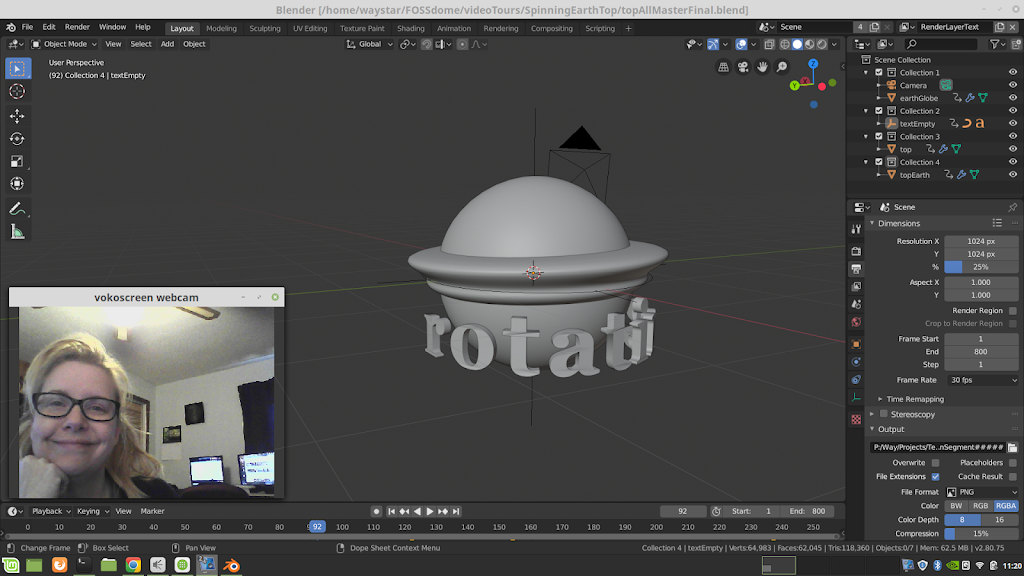
vokoscreen

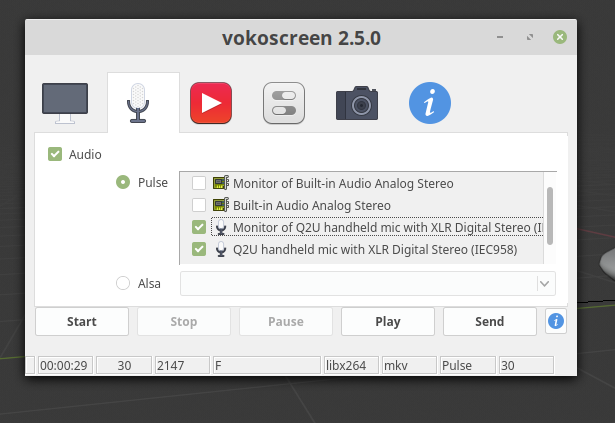
How am I only now learning of vokoscreen?

vokoscreen is simple and straightforward

I’ve been a fan of OBS studio and it still is pretty amazing, but with my new microphone, a Samson Q2U USB, it is giving me headaches on my Linux laptop. It will not consistently keep settings to record video from builtin webcam and the audio from ONLY the usb mic.

I can use SimpleScreenRecorder or recrodMyDesktop if I don’t need to occasionally have the webcam video added. Both of those work extremely well.

But of course I want it all, and wherever possible I want it open source. I’m working on some video walk-throughs of interesting blend files I’ve made to help teach others who might be interested. And being able to record with the least hassle is extremely important.

It seems to be Linux-only which is sad, and I don’t even think it’s being developed any more. But for now, vokoscreen is just what I need.

Happy Waylena is happy. 

Free SVG

With openclipart.org forever gone, I’m always on the lookout for sources of free vector graphics.

I have found publicdomainvectors.org to be useful. The admins of that site have now created a site closer to the spirit of the old openclipart.org site: freesvg.org

 Free SVG

Fulldome Blender 2.8 Workshop GLPA 2019

The 2019 annual meeting of the Great Lakes Planetarium Association was held last week, hosted by the Ritter Planetarium of The University of Toledo.

It was special for me because my planetarium career started at Ritter Planetarium in February 1992. Honestly I had planned to stop conducting workshops for a few years so that I could concentrate on my GLPA executive community duties. But Alex Mak asked so of course I said yes.

The result is a very revised version *NEW!* for Blender 2.8:

https://github.com/waystar/2019-Blender-Workshop-Materials

  • Setting up render engine, camera and outputs for fulldome masters.
  • Setting up layers to separate objects for compositing to get glows or denoising only on some objects.
  • Compositing node setups examples.
  • Basics of materials, with shader node tree examples for incorporating alpha channels and animating fades between textures.
  • World environment settings and node trees for animation.
  • Examples of animating various objects and effects achieved through animating modifiers.

https://github.com/waystar/2019-Blender-Workshop-Materials

Click the “Clone or download” button to download the whole thing in a zip file.

Drop me a line if you find mistakes or OS-related differences. (I test on Linux and Windows.) Also, let me know if you find any of it particularly useful and I would LOVE to see what you make.

And of course, if you are having trouble with something in particular that you are trying to do, let me know. If I can’t help get it to work, I might be able to suggest alternate approaches to get the same effect.